Register from the Registration page
Registering Single structures
During Single structure advanced registration a Suggestion list with the Register as selected option appears. It is similar to the Continue with selected option available when the Find option is used.
Submissions can be assigned to other users, e.g. registrars.
If the E-mail notification is ON, the users will get notifications via E-mail upon assignment of submissions.
Copy structure
It is possible to copy to clipboard the 'Your submitted compound' or the 'Found similar compounds' also. For this purpose please find the Copy structure icon in the top right corner. After clicking on this icon the structure is copied to the clipboard in molfile V3000 format and it can be pasted somewhere else.
Registering No structures
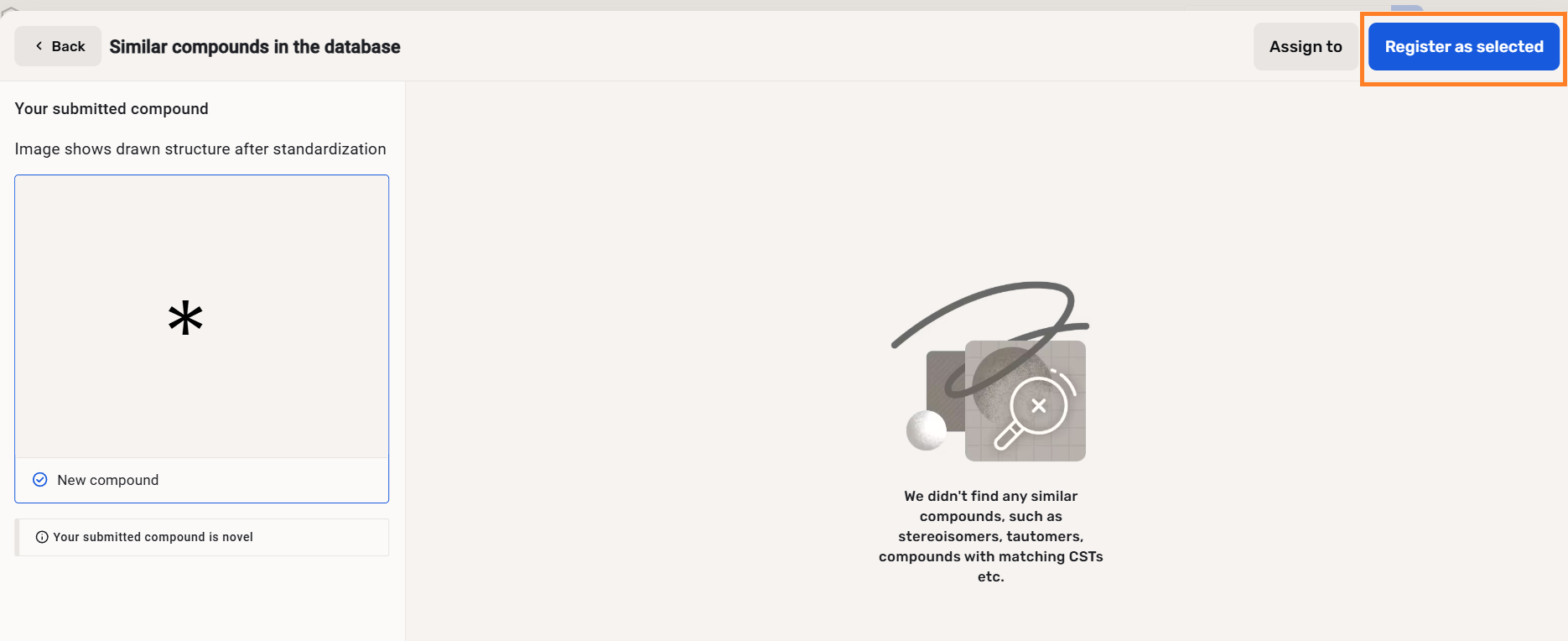
During No structure advanced registration, a Suggestion list appears, but no matches are displayed. In order to proceed click on the [Register as selected] button.
 |
|---|
| No structure advanced registration |
Registering Multi-component compounds
For multi-component compounds, the Suggestion list is not available, but component matches are displayed first, then a compound level comparison of the multi-component compounds are displayed within a match list.
Registering Markush structures
When using the Advanced Registration mode there is no error in case of registering a Markush structure, it can be registered automatically.
More info can be found here.
No Markush structure type is available yet within Compound Registration. For registering Markush structures "Single structure" type should be selected (default), the system will automatically recognize the structure.
Registering Virtual compounds
Multi-component compounds cannot be registered as Virtual compounds using the Advanced Registration mode.
If a virtual compound falls to the Staging/Submission page (for errors or as a part of a 2-step registration), the compound is then registered as a non-virtual lot.