License Report
Helping the investigation of licensing issues, a license report can be generated with all the important license details zipped in a single file.
The collected data:
- Version of the installed software
- System and Java properties regarding Chemaxon license configuration and the files they are configured to
- .cxl files from the chemaxon folder in the user home
- .log files from the chemaxon folder in the user home
Generate report with License Manager app
To generate such report
- start the "License Manager" app installed along with Chemaxon software
- select the "Create report" option
- click the "Create report" button.
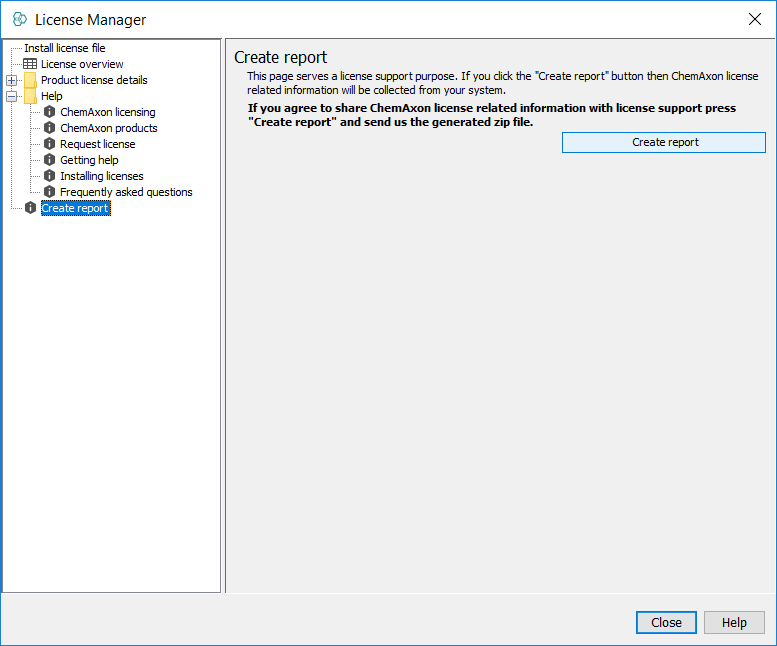
Then select the folder where the report should be generated into and send the licenseData.zip to us via e-mail.
Generate report from command line
In case of JChem Base, License Manager is available as CLI tool via license command. Report can be generated via the license -r.
Optional report output directory: append the path as an extra argument after -r (see tool help using -h).