Registration page
The Registration page is the first page of the web client application, from where a compound can be sent for registration.
Register a new compound reviewing matches
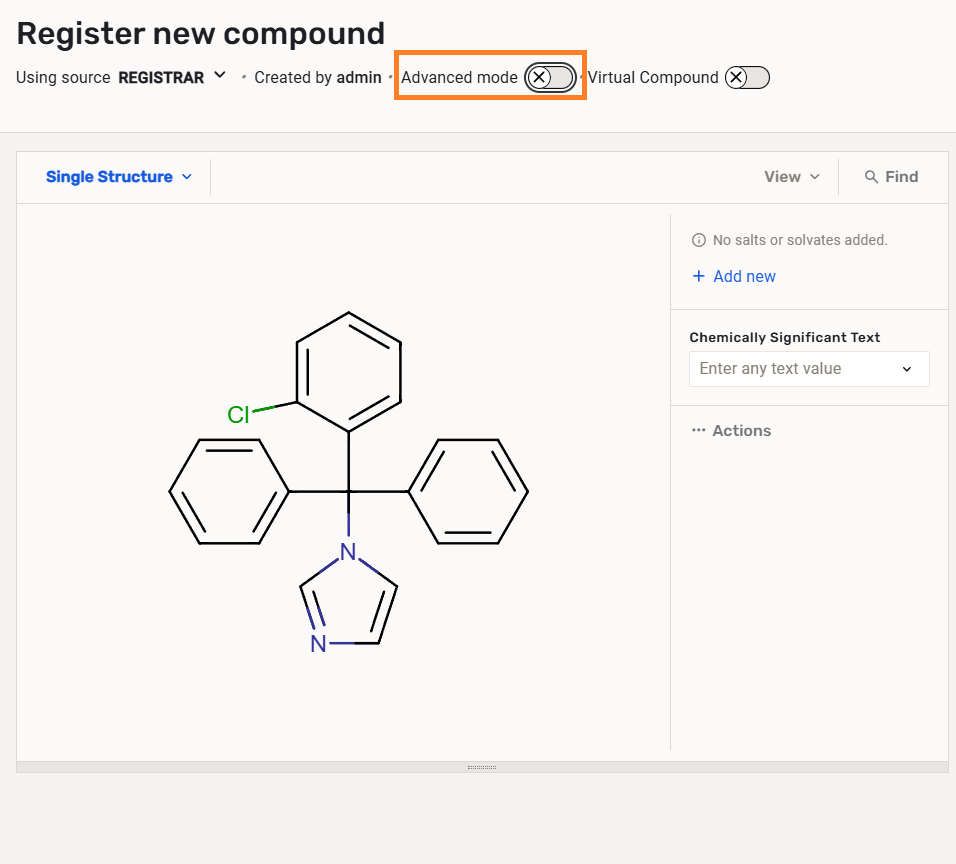
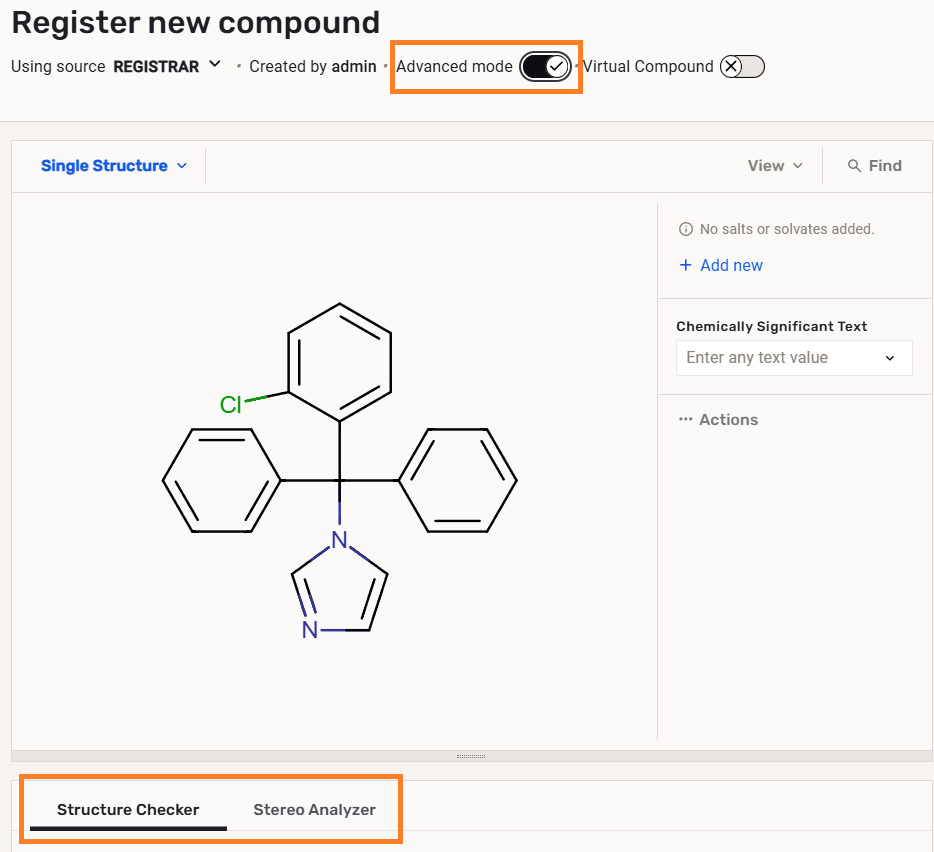
Depending on the user's privileges, and on system settings, the user can switch on or off the Advanced Registration mode.
 |
 |
|---|---|
| Regular registration mode (Advanced mode OFF) | Advanced registration mode ON |
The Advanced registration mode will invoke the real-time structure checkers and stereo analyzers and the match list.
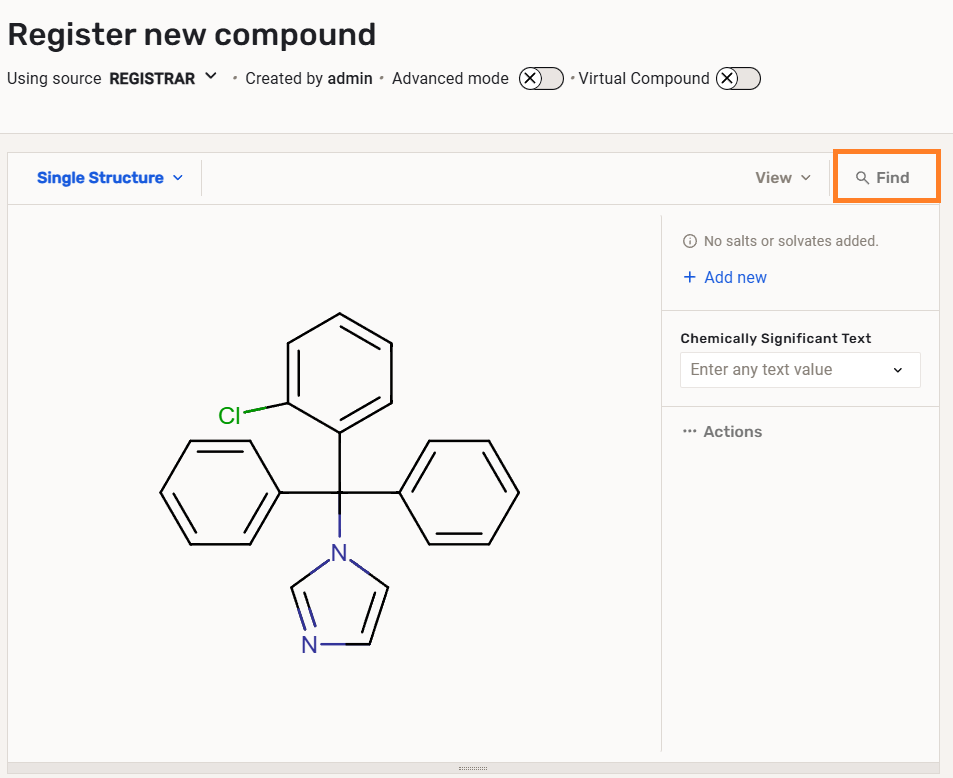
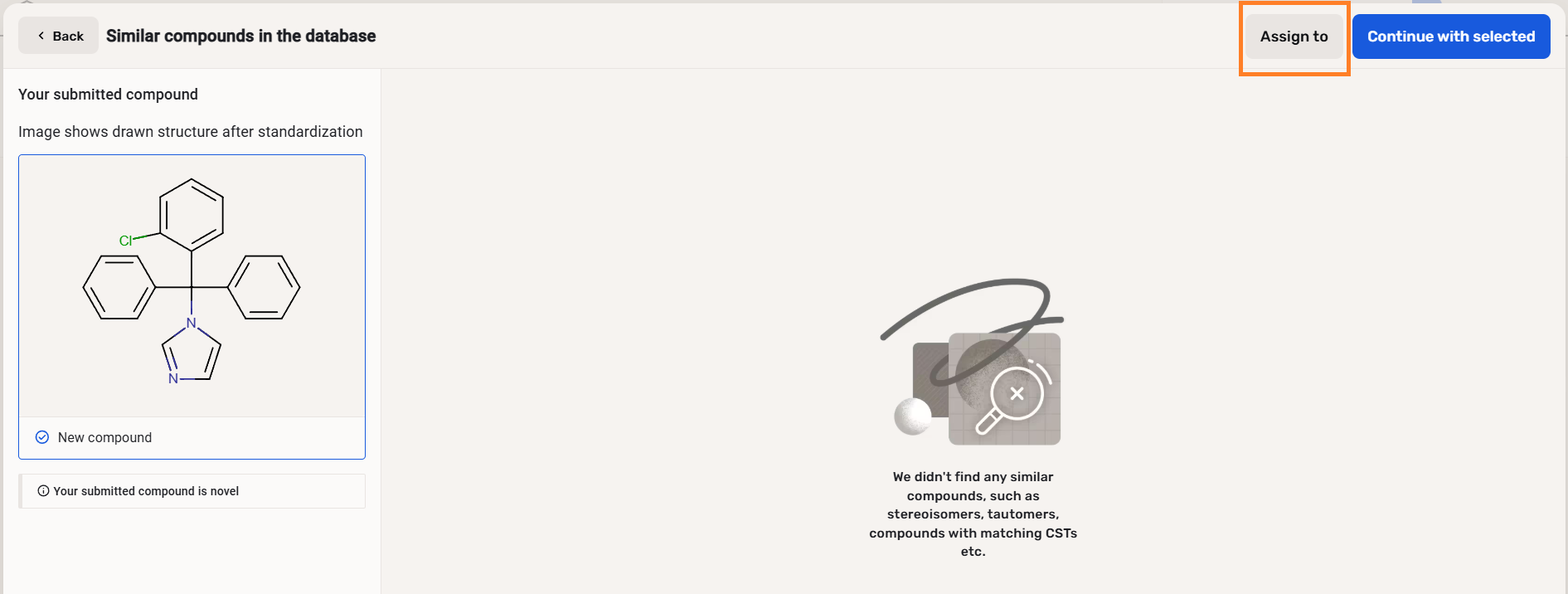
Regardless of the Registration mode setting (Advanced ON or OFF), after "Applying" a structure, the user will be able to use the "Find" option that will reveal the matching compounds from the database and the chance to assign submissions to other users.
 |
 |
|---|---|
| The "Find" option available on the Registration page | The "Suggestion list" with the "Assign" functionality from the Registration page "Find" |
The Assign functionality is described in detail here.
Register (send to Staging)
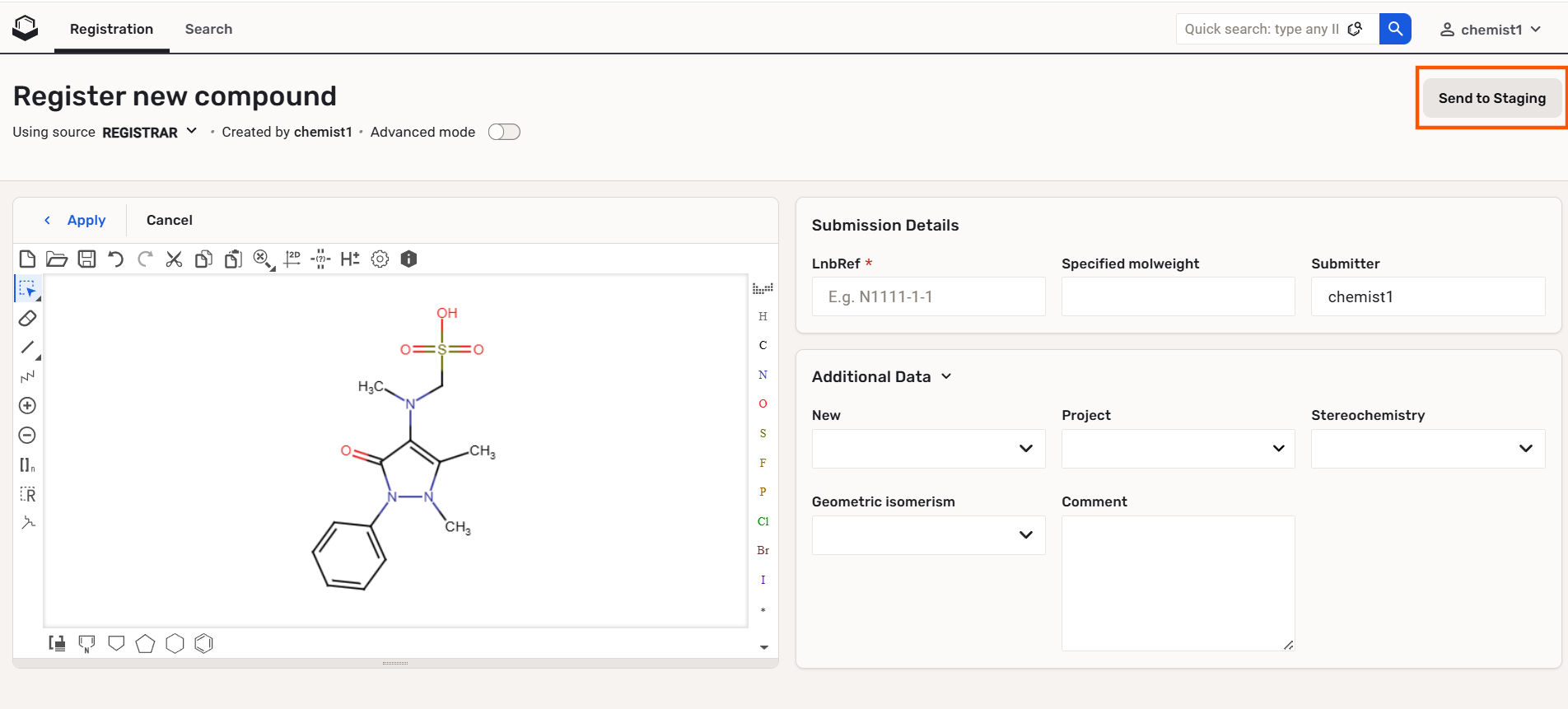
Since version 25.5.1 users with the REGISTER_TO_STAGING role can deliberately send compounds to the Staging from the Registration page.
 |
|---|
| "Chemist1" user cannot register, just send to Staging |