Download
The registration system enables data export in a SD file format. Beside the structure, the salt info (salt/solvate name and multiplicity), the restriction level, PCN, CN, LN, LnbRef, Project, CST, MolWeight, Formula, additional data etc. (configurable) can be exported.
Since version 25.5.1 data export is also available in CSV format.
Please note that when exporting to CSV, structures are saved in SMILES format, which does not preserve enhanced stereochemistry information.
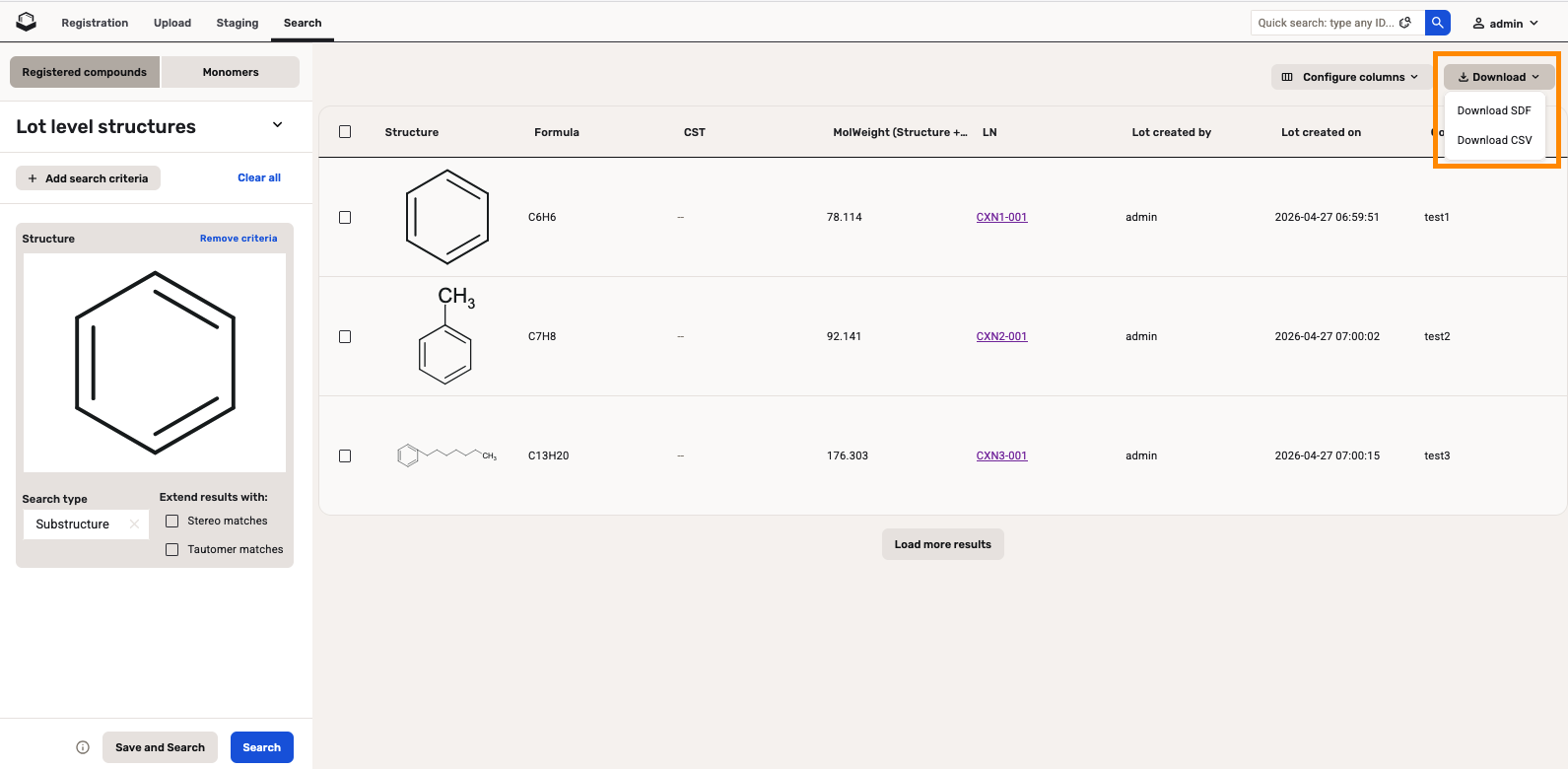
Data export can be performed from the Search page using the Download selected button.
 |
|---|
| Export data from search page |
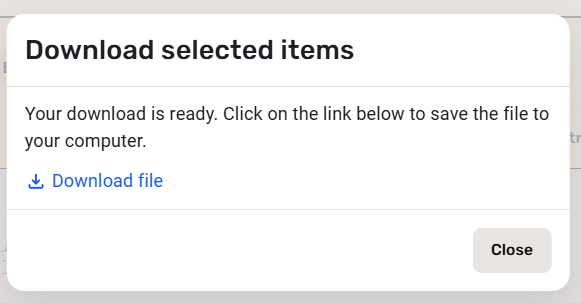
Depending on the settings of the user's browser application the exported files can be either directly opened or saved.
 |
|---|
| Download the exported file |
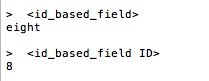
In case of ID-based fields (Since version 21.3.0) the IDs and values are both present in the downloaded SDF. If a value cannot be resolved, then N/A will be present.
 |
|---|
| ID-based field ID and Value in the downloaded SDF |
Since 24.3.0 in the downloaded SDF the Isomer label is attached to the whole compound, not just to particular atoms. When you register it again it will match to the existing tree.
The downloading of the search results in an SD file from the Search page is limited to 5000 compounds. Due to the limitation, we recommend downloading results in batches of less than 1000 records. Other options for downloading registered entities are to download from the Upload summary page or use a downstream system.