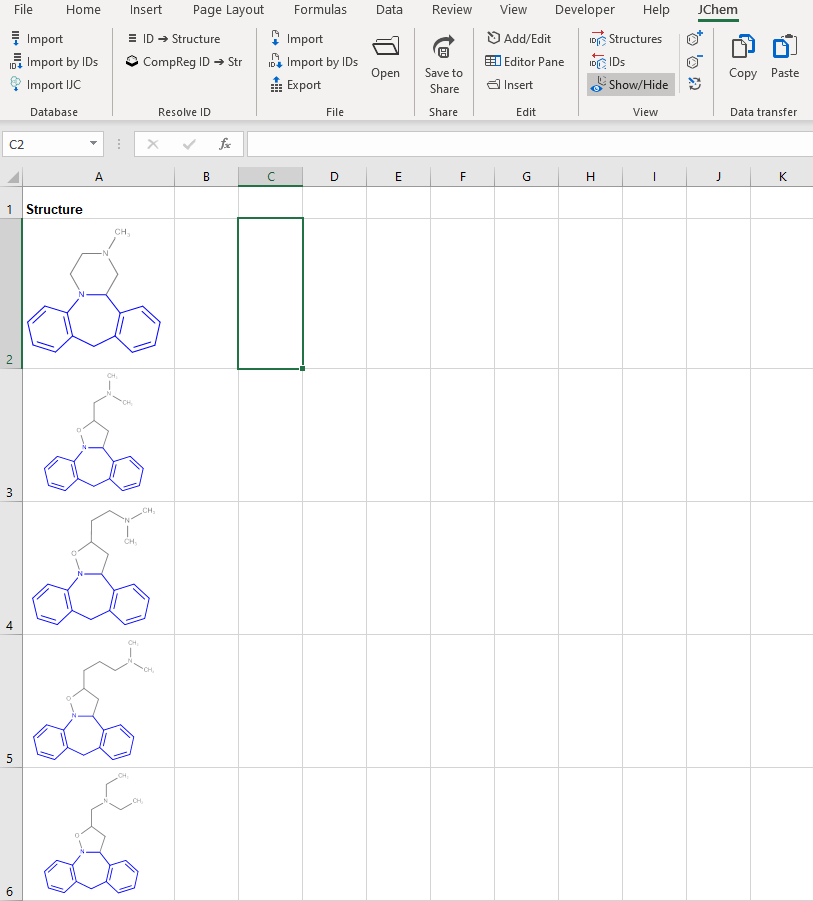
Exclude Hidden Rows
It is possible to copy-paste structures without the hidden rows.
To do this, follow the steps below.
-
Select some structures on the worksheet after, for example, a structure filtering has been applied.
-
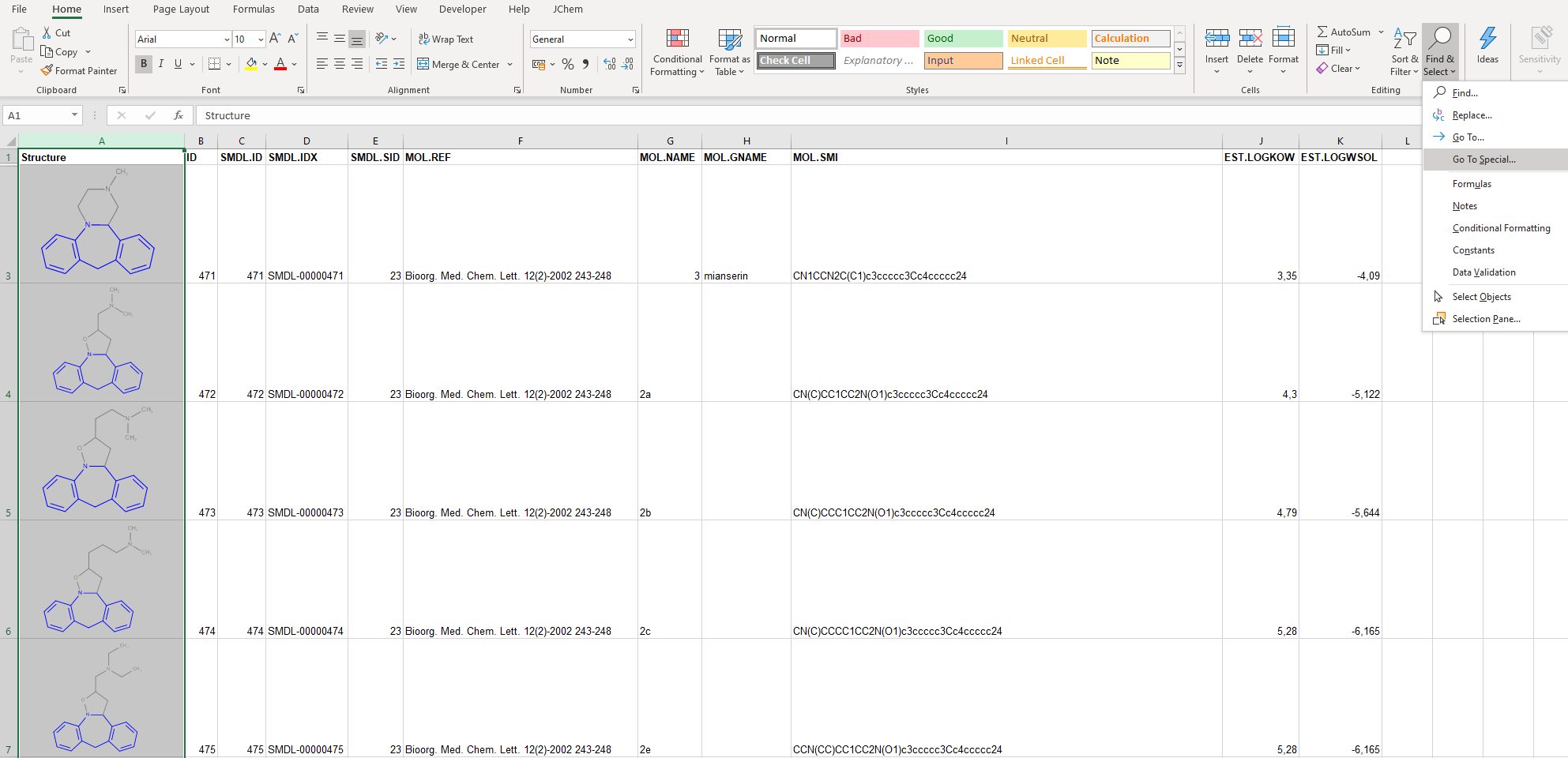
On the Home ** tab of Excel, click **Find & Select > Go To Special.
-
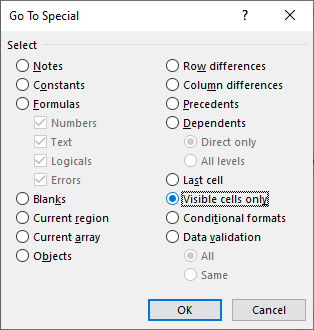
On the ** Go To Special** dialog, select Visible cells only by using the corresponding radio button and click OK to close the dialog.
-
Copy the selected structures to the clipboard by using the Ctrl+C shortcut or the Copy button on the ribbon.
-
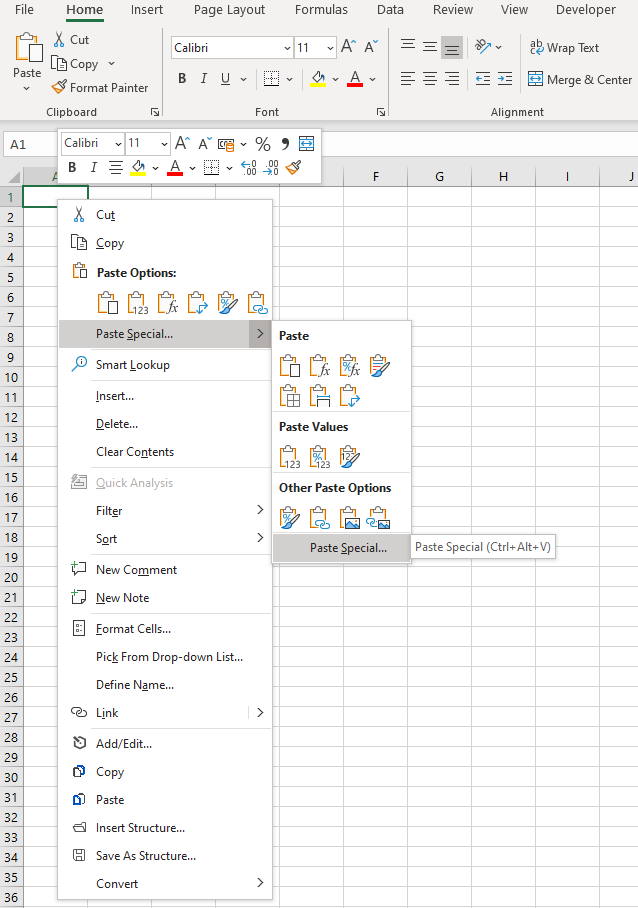
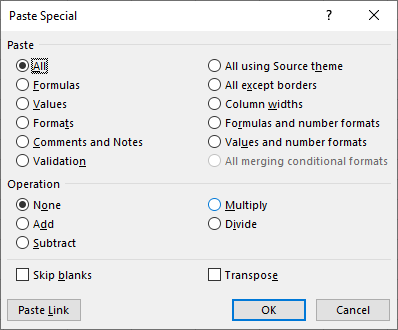
Select another worksheet and invoke the context menu then click Paste Special.
-
On the Paste Special dialog, click OK.
-
The structures are pasted without the hidden rows.