Print Structures
It is possible to print JChem for Excel files in the following ways:
- Printing from Print Preview
Printing from Print Preview
-
Click the Print Preview button on the JChem for Excel ribbon.

-
Click Print.
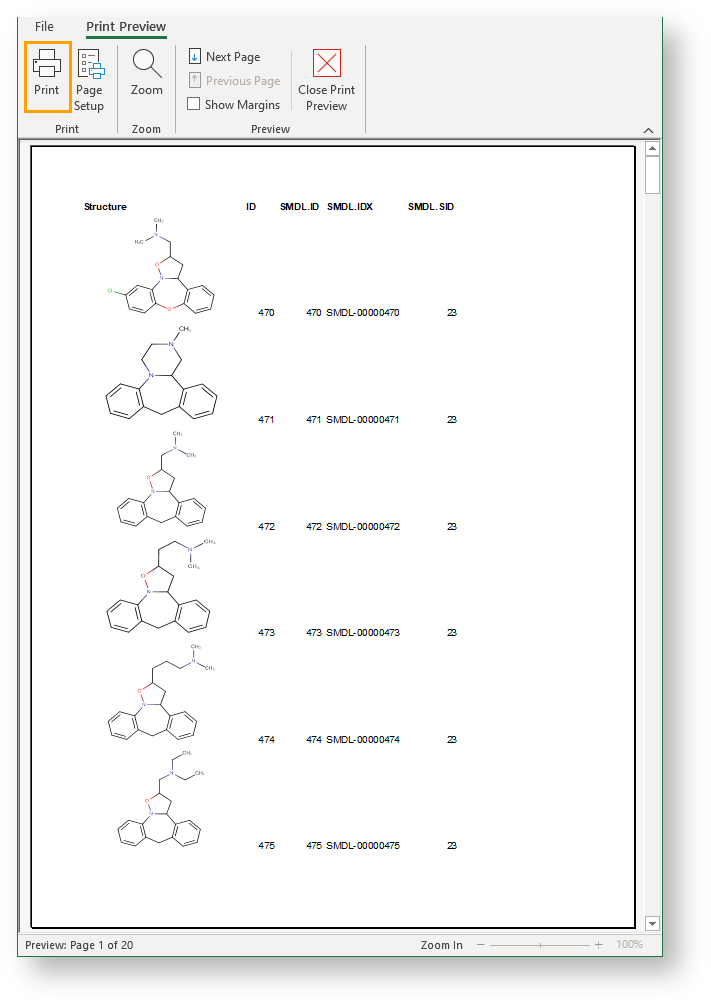
Use this function when the workbook contains only a few structures.
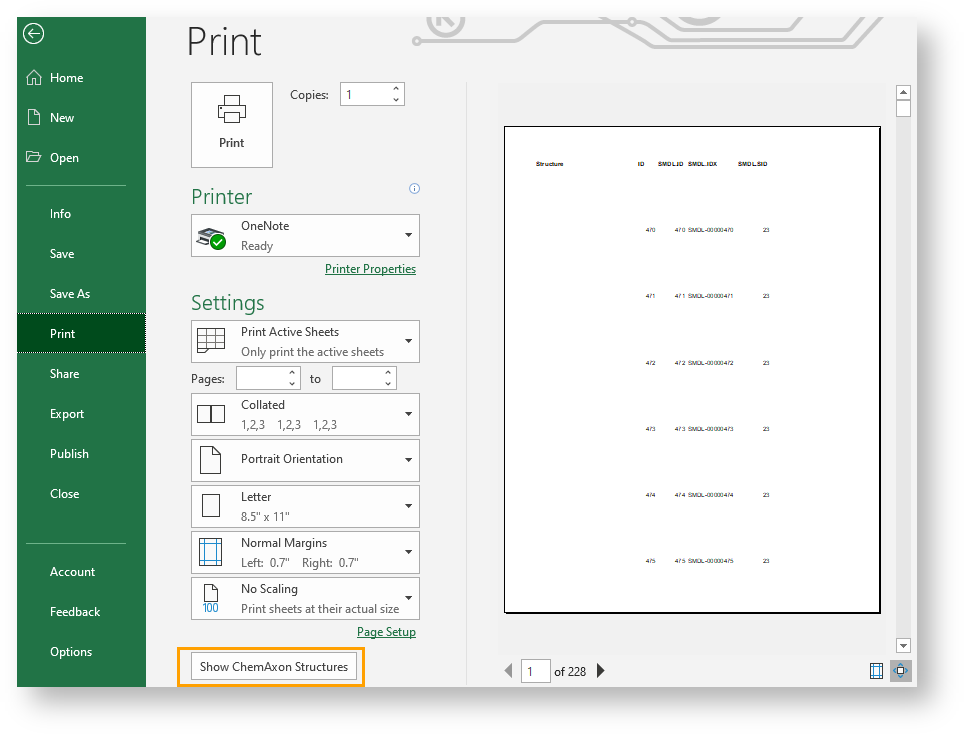
Printing from Backstage View
The workbook, the active worksheet, or the selected area can be printed out by using this function. Use Options > Printing to specify the printing settings.
To print from the backstage view, navigate to File > Print in Excel and click Print.
If the value of Backstage View Molecule Printing is set to TRUE, the structures are displayed automatically.
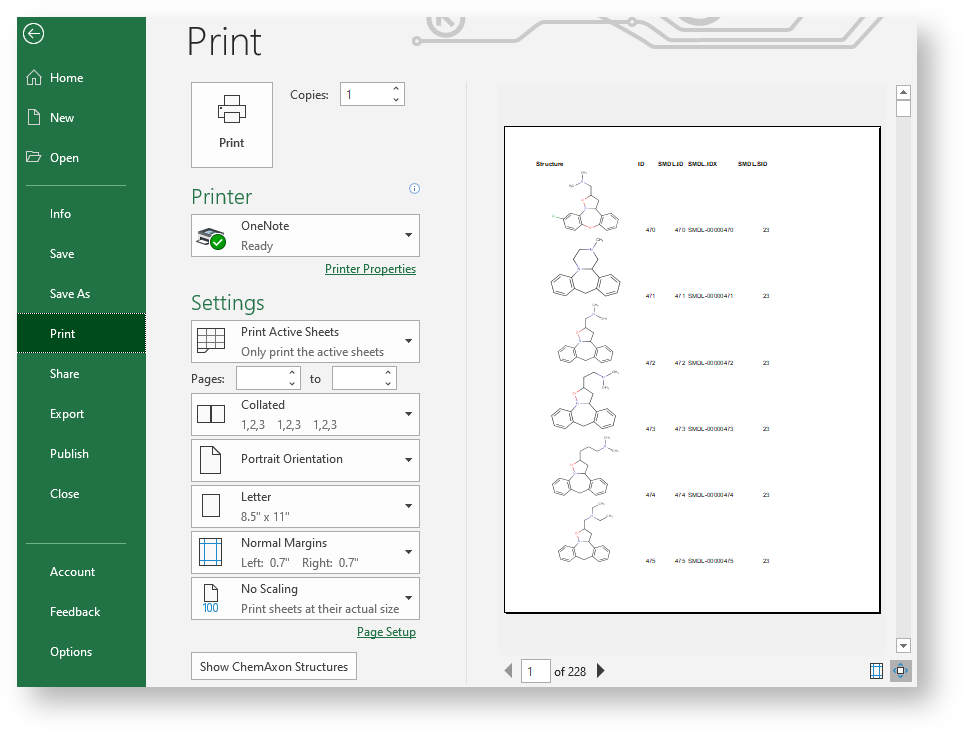
If the value of Backstage View Molecule Printing is set to FALSE, the structures are hidden by default. To show structures, click Show Chemaxon Structures button at the bottom of the page.