Run the reaction and generate products in batch mode
The Summary window of Reactor outlines the previously set options. You can run Reactor by clicking the Finish button; you can hit Back to amend any previously set files or options; or you can exit Reactor by clicking on Cancel.
Reactor Summary window

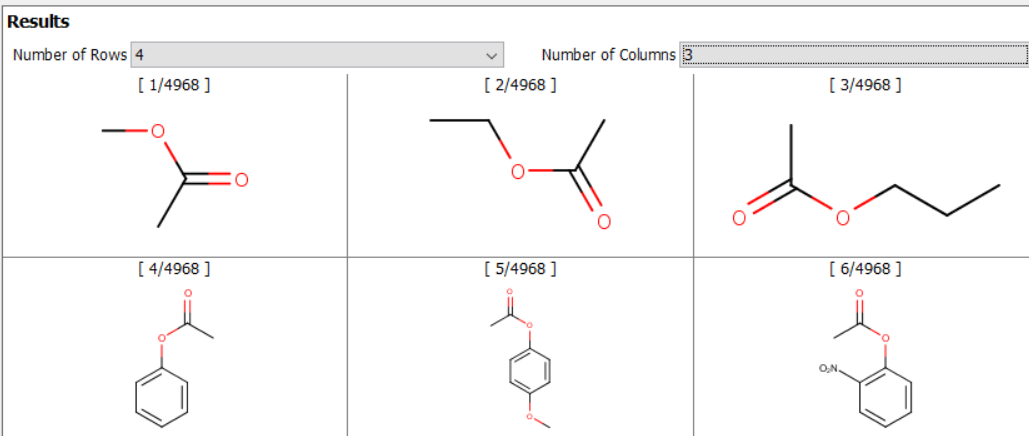
When Reactor has finished the enumeration process, the result is published in a short text. Reactor will present the tabular view of results if you hit the Show results button.
Grid view of the results