Property Copy
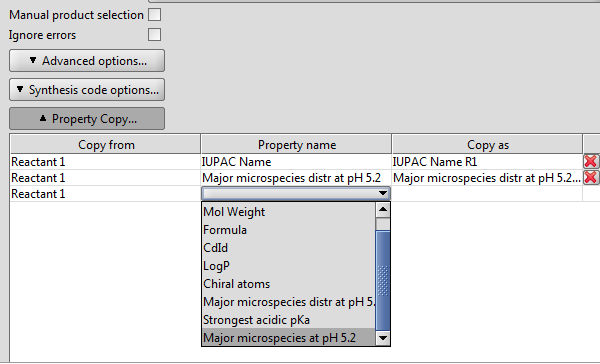
This option offers you to copy selected property fields from the reactant(s) to the product or reaction output file.
-
Copy from :
- Click on the field, and select the reactant having the property you would like to copy, or
- Select Pattern if you want to define individually formatted property field.
-
Property name :
- Click on the field, and select the property you would like to copy to the output file(s), or
- If you selected Pattern previously, you cannot make selection here.
-
Copy as :
- You can copy the selected property in a different name to the output file(s). Click on the field and rename it.
- If you selected Pattern previously, define your individual property field according to the general pattern:
"<propertyName>=[<text>*#{<moleculeID>.<propertyID>}]*<text>*"
- Example:
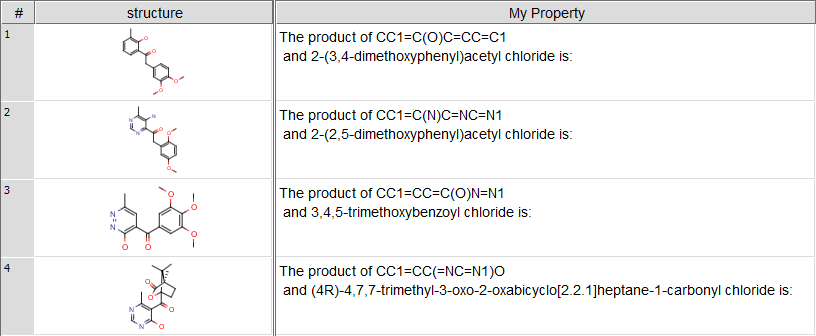
My Property=The product of #{r1.smiles} and #{r2.name} is:
See the screenshot of the output file with the user defined reactant property field below: