Molecular Dynamics Plugin
This manual gives you a walk-through on how to use the Molecular Dynamics Plugin:
Introduction
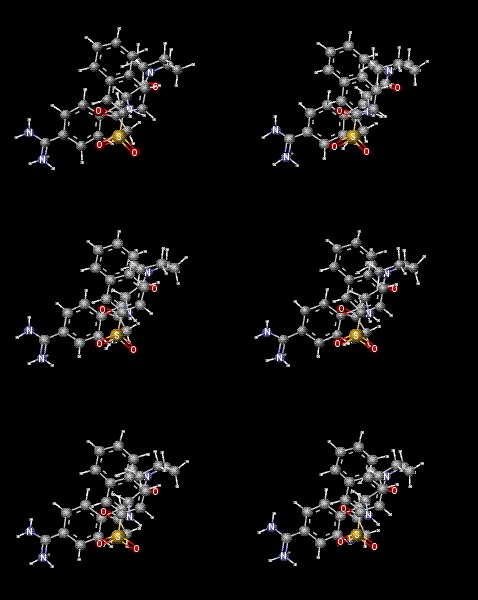
The Molecular Dynamics Plugin calculates the trajectory of a molecular system by integrating the equations of Newton's laws of motion. The generated trajectory can be visualized as a continuous animation or as a sequence of discrete frames.
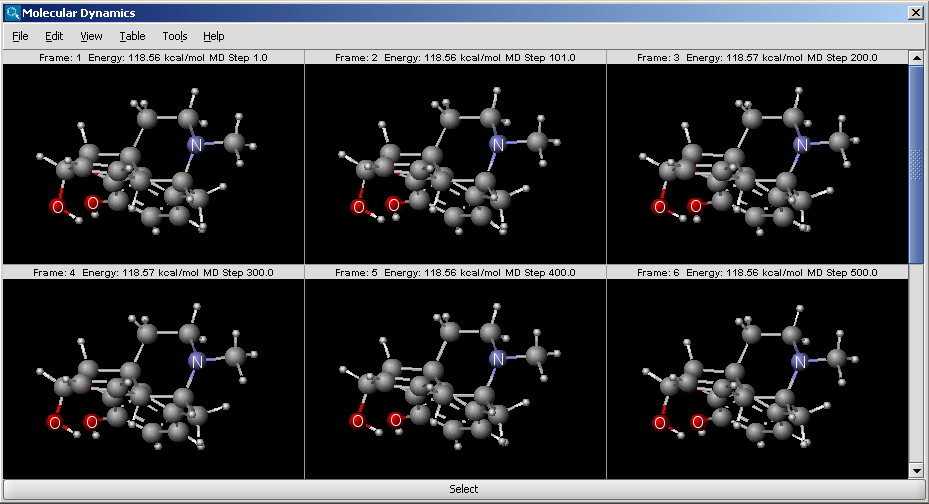
Fig. 1 Trajectory of an MD run, shown as a sequence of frames
Options
The following options can be set in the Molecular Dynamics Options panel:
-
Display : display mode
- Animation : trajectory is displayed as an animation.
- Frames : trajectory frames are displayed individually (see above).
- Force field: force field used for calculation.
- Integrator: integrator type used for solving the equations of Newton's laws of motion.
- Simulation steps: number of simulation steps.
- Step time (fs): time between simulation steps in femtoseconds.
- Initial temperature (K): initial temperature of the system in kelvin.
- Start time of display (fs): the time of the first simulation frame to be displayed in femtoseconds.
- Frame interval (fs): time between displayed simulation frames in femtoseconds.
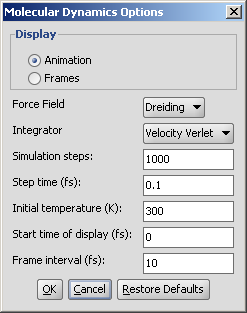
Fig. 2 Molecular Dynamics Options panel