Advanced Menu
The advanced menu serves the specific needs of users. It contains the advanced features of JChem for Excel.

Additional to the functions described in the Standard Menu section, the following functions are available through the advanced menu:
- Import from Database in JChem for Excel
- Import from Database by IDs
-
Import from IJC Database in JChem for Excel
Please note that this feature is deprecated since version 21.4. The functionality is not completely removed yet, so you can still use it by customizing the ribbon by adding the button and the corresponding action to it. For more details on how to customize the ribbon, please refer to Customizing the Ribbon section.
Switch from Advanced to Standard Menu
To switch from the advanced menu set to the standard menu set follow the steps below.
- On your ribbon, click the Standard menu button, which is located under the Options group.

- Click Yes on the appearing prompt.
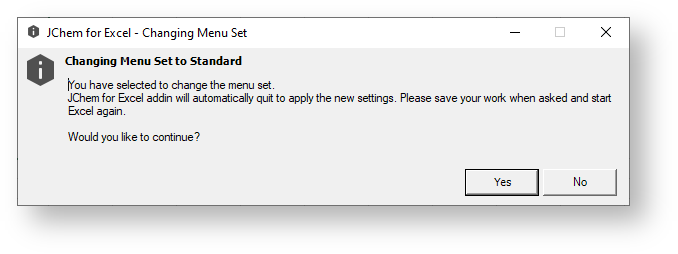
- Another prompt appears asking if you would like to save your work, choose accordingly. After this, Excel closes automatically.
- Open Excel again. The menu set has been changed to standard.

{info}
Please note that if your ribbon menu is customized you are not able to switch to the other type of menu set.