Import from IJC Database in Jchem for Office-Progress Tab
After clicking Import on the *Rows ** tab, the *Progress ** tab becomes active automatically, the import process starts. If any error occurs during the process, error messages will be displayed on this tab.
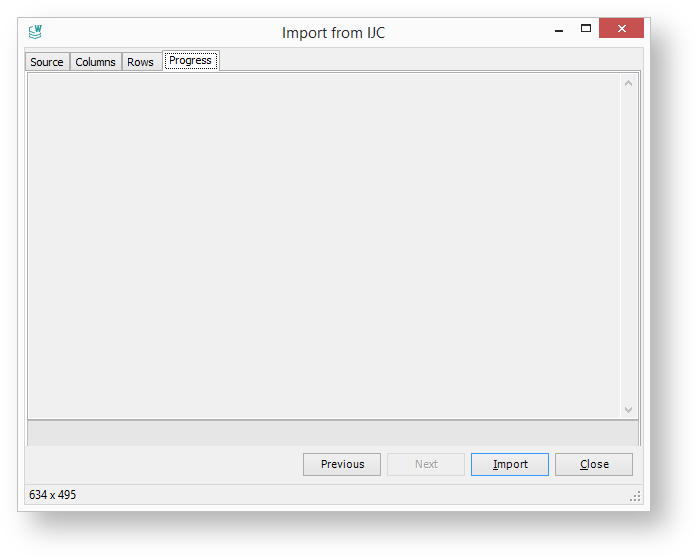
If the import process has been completed without errors, the **Import from IJC ** dialog closes automatically. The imported structures with their properties are displayed on the document.