Copy Structures with or without Data
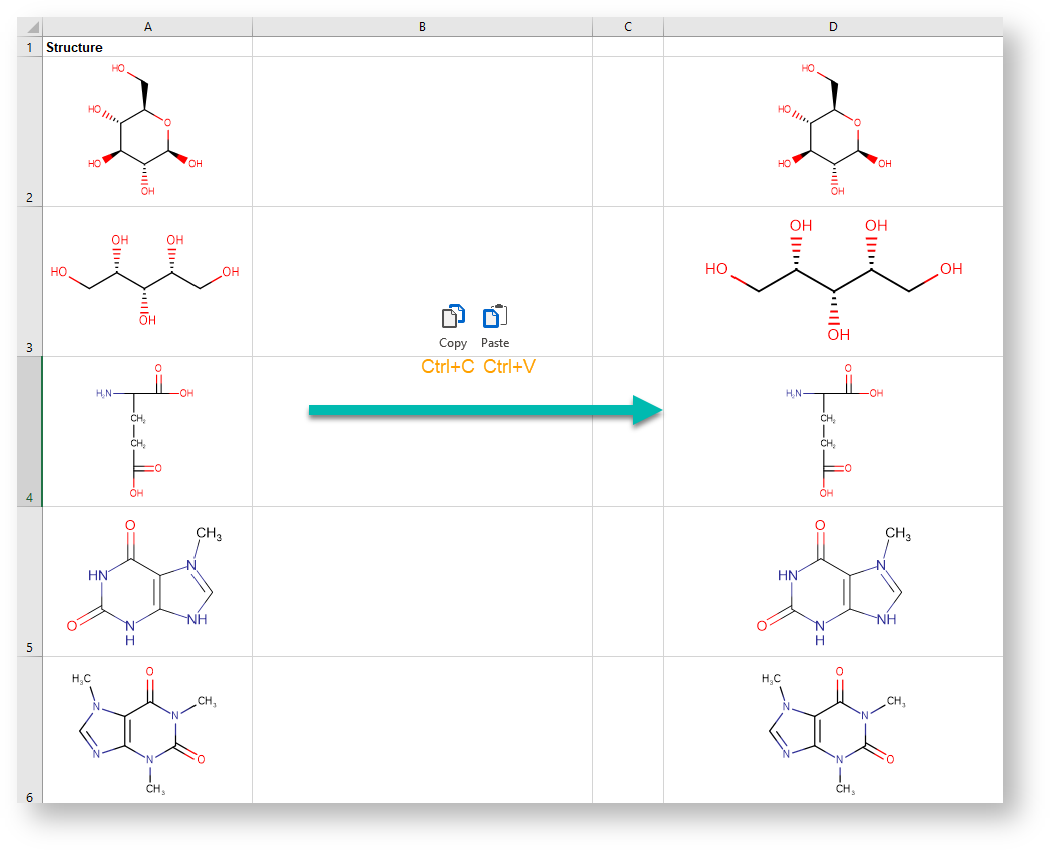
Single or multiple structures with corresponding data can be copied to the clipboard from a selected range of the worksheet and can be pasted to another part of the same worksheet, a part of another worksheet, or a different workbook.
To copy structures, follow the steps below.
-
Select a worksheet that contains structures.
-
Select some cells with structures and press Ctrl+C. Alternatively, you can use the Copy button through the context menu.
-
Select an empty cell on the same worksheet or a different sheet and press Ctrl+V. Alternatively, you can use the Paste button in the right-click context menu.