Managing Team Members
Inviting Other Users to the Team
After logging in to Chemaxon Cloud, open the Configure dropdown and select Team Members:
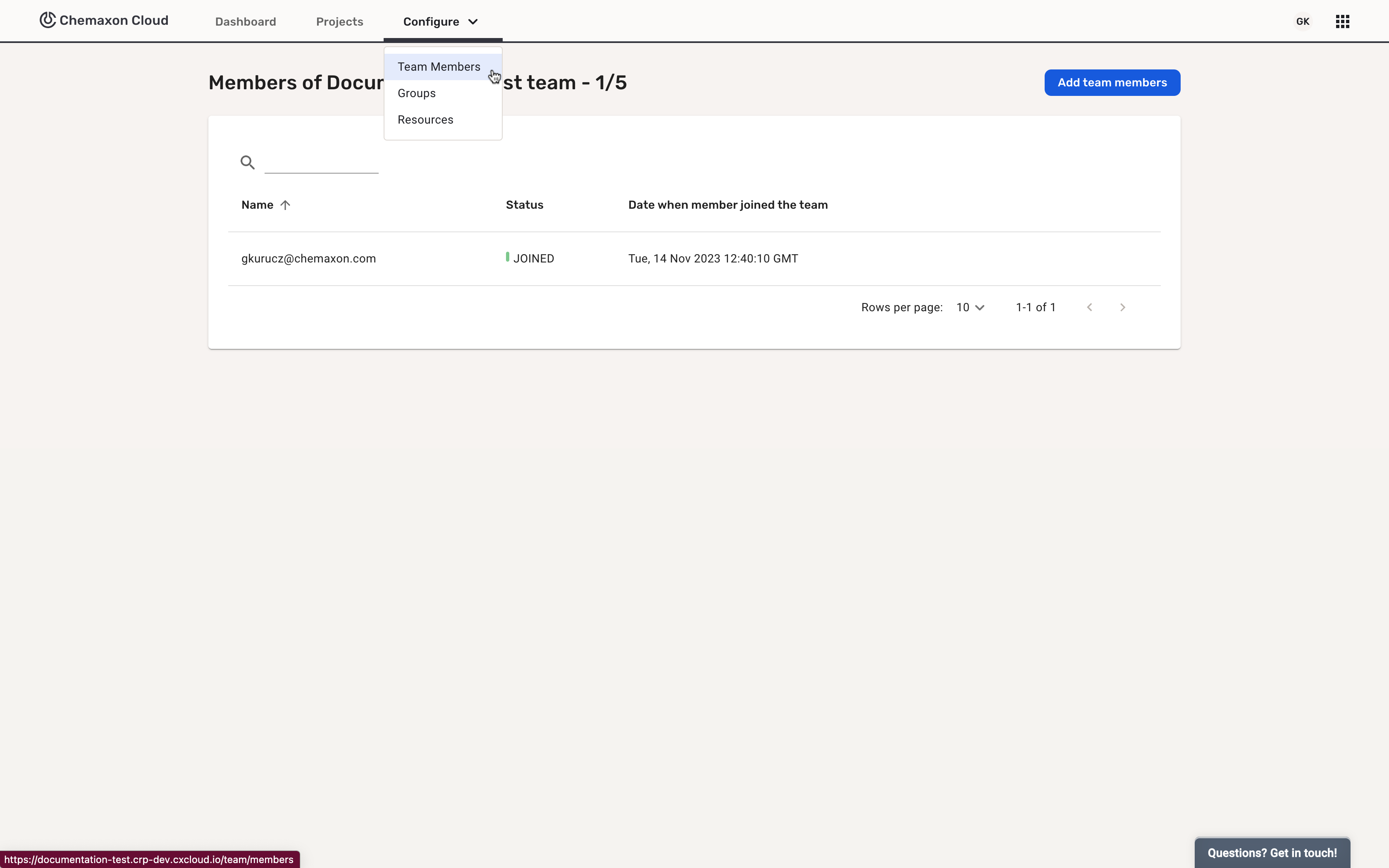
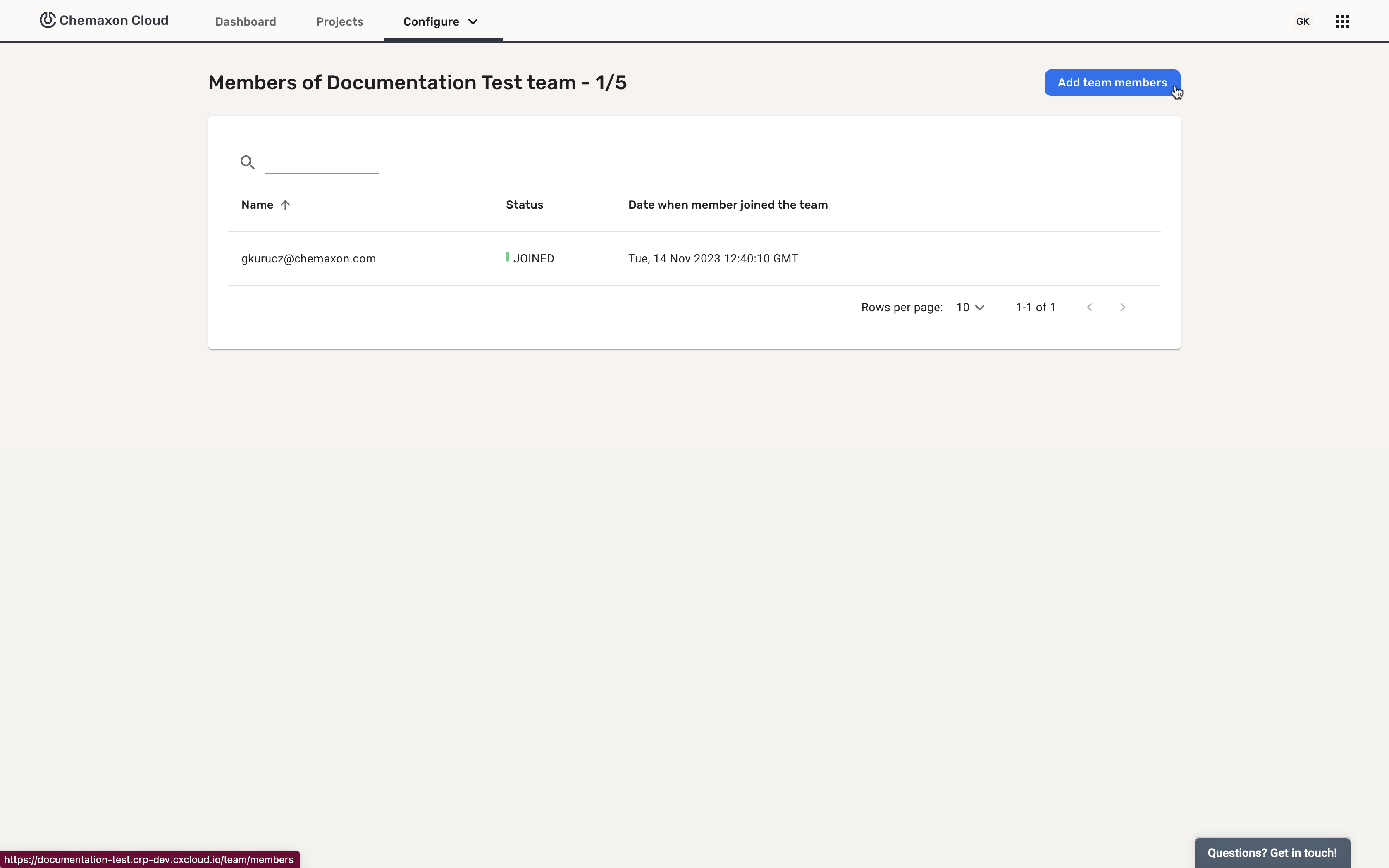
After selecting it, the Team Administrator can see the number of users they can invite, the already invited users, and whether or not those users have joined already.
The Team Administrator can invite users by clicking on the Add team members button:
Which will open the Add Team Members page, where the email addresses of the invitees can be added:
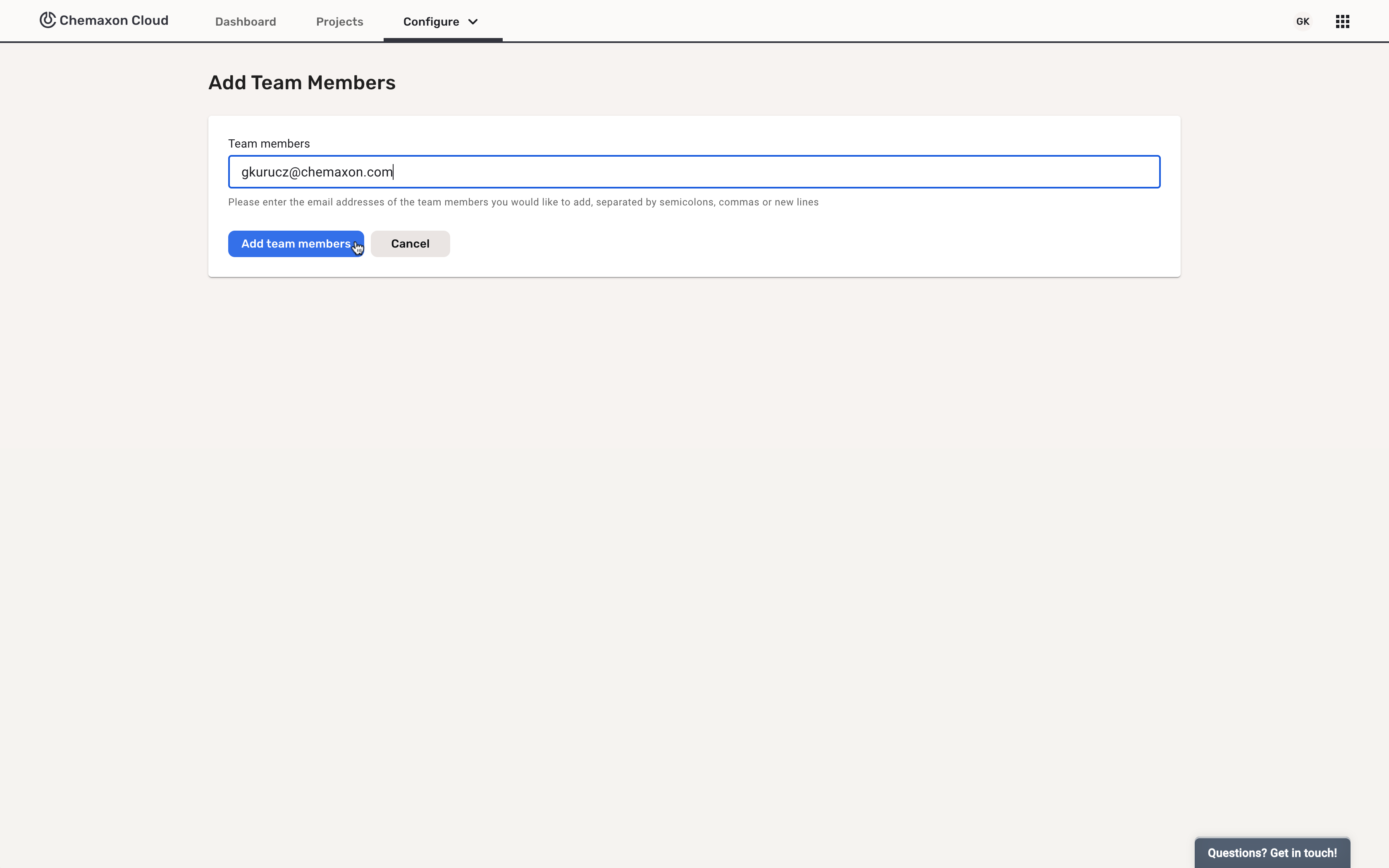
They can add multiple users at the same time by separating the email addresses by semicolons or commas.
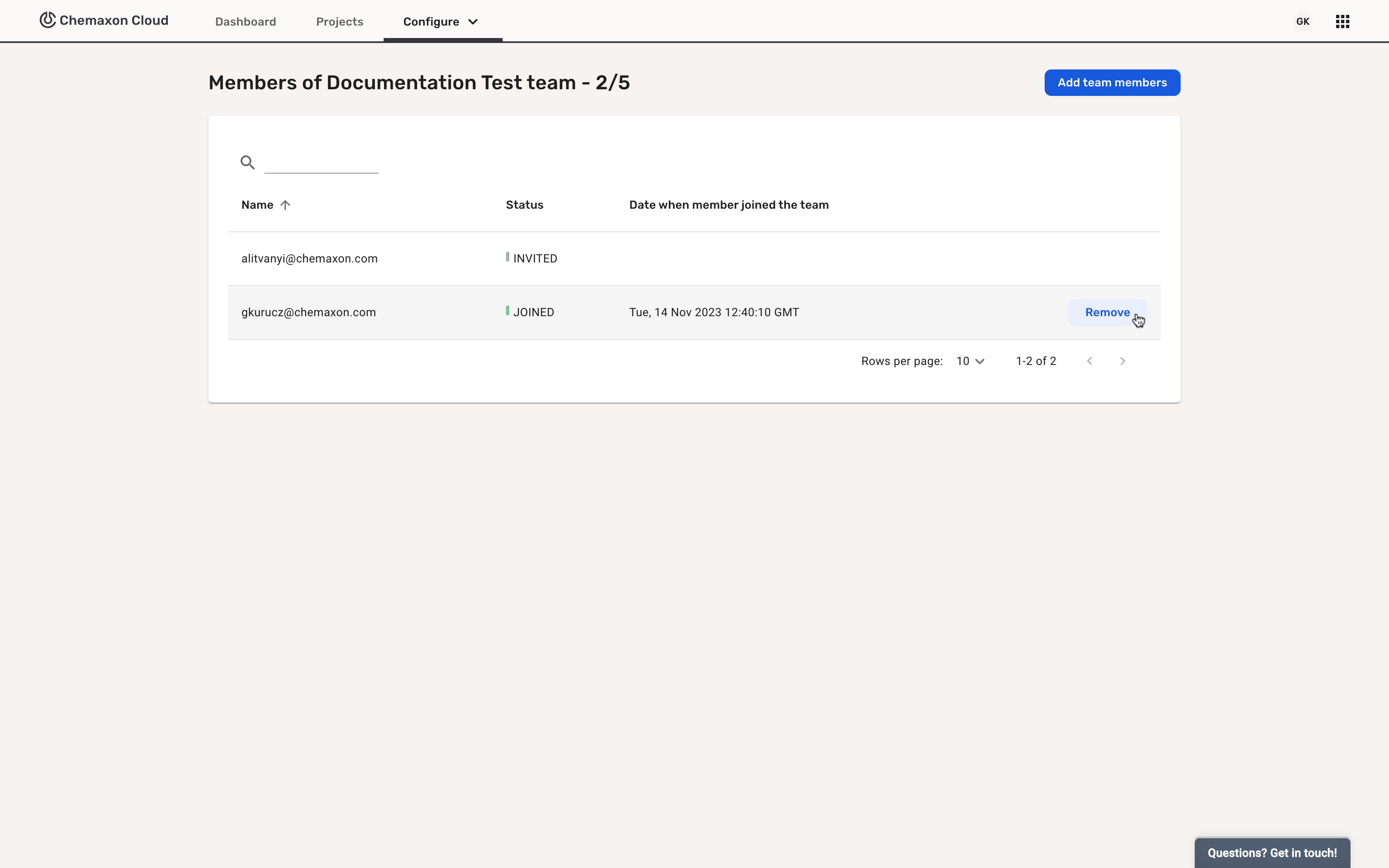
Inactivating Users of the Team
The Team Administrator can inactivate users by choosing the Remove option (which appears after hovering over the right area with the mouse):