Managing Projects
Creating a new Project
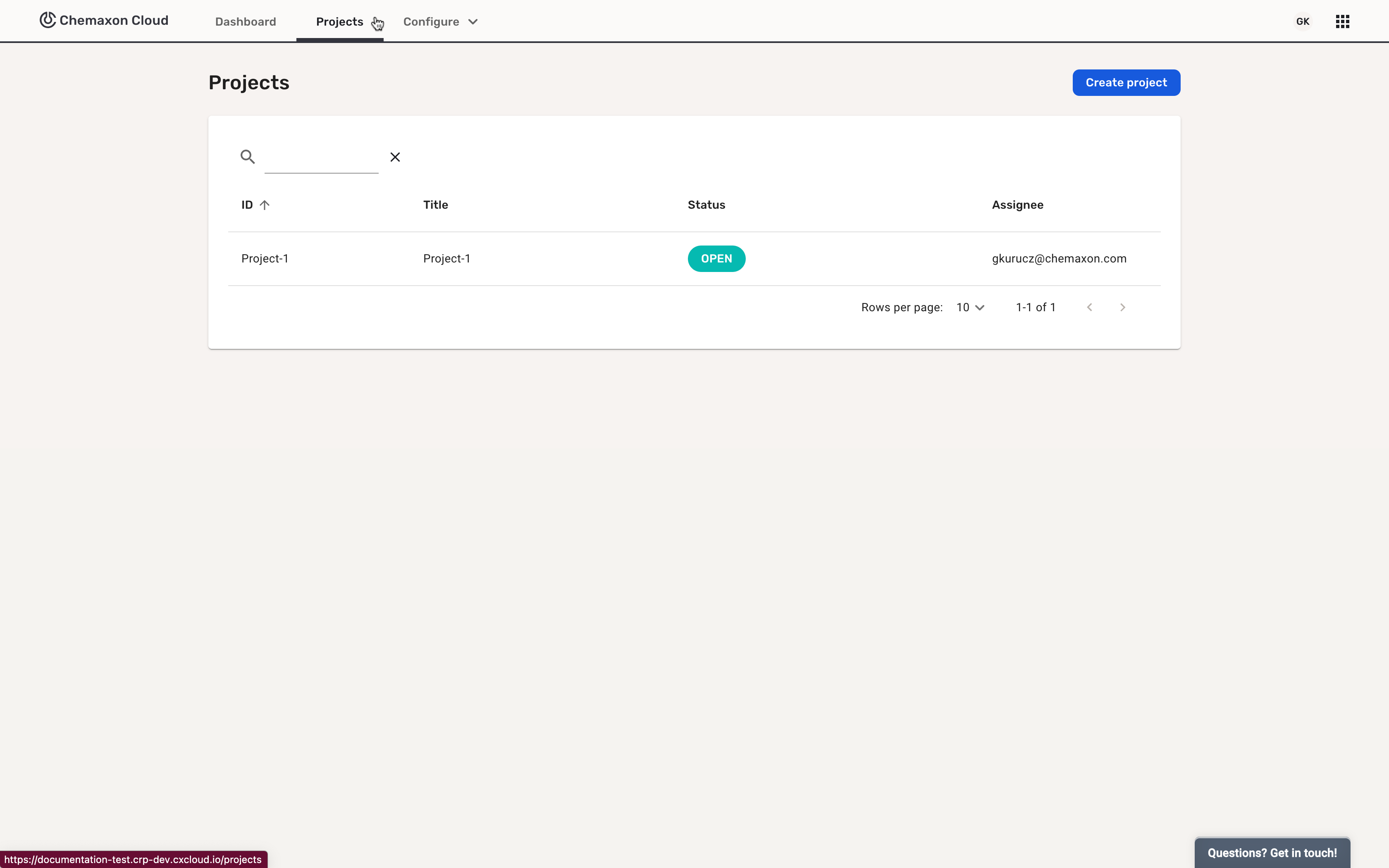
As a member of TEAM_ADMIN or PROJECT_CREATOR group, you can create new projects. After logging in to the team, open the Configure dropdown and select Projects:
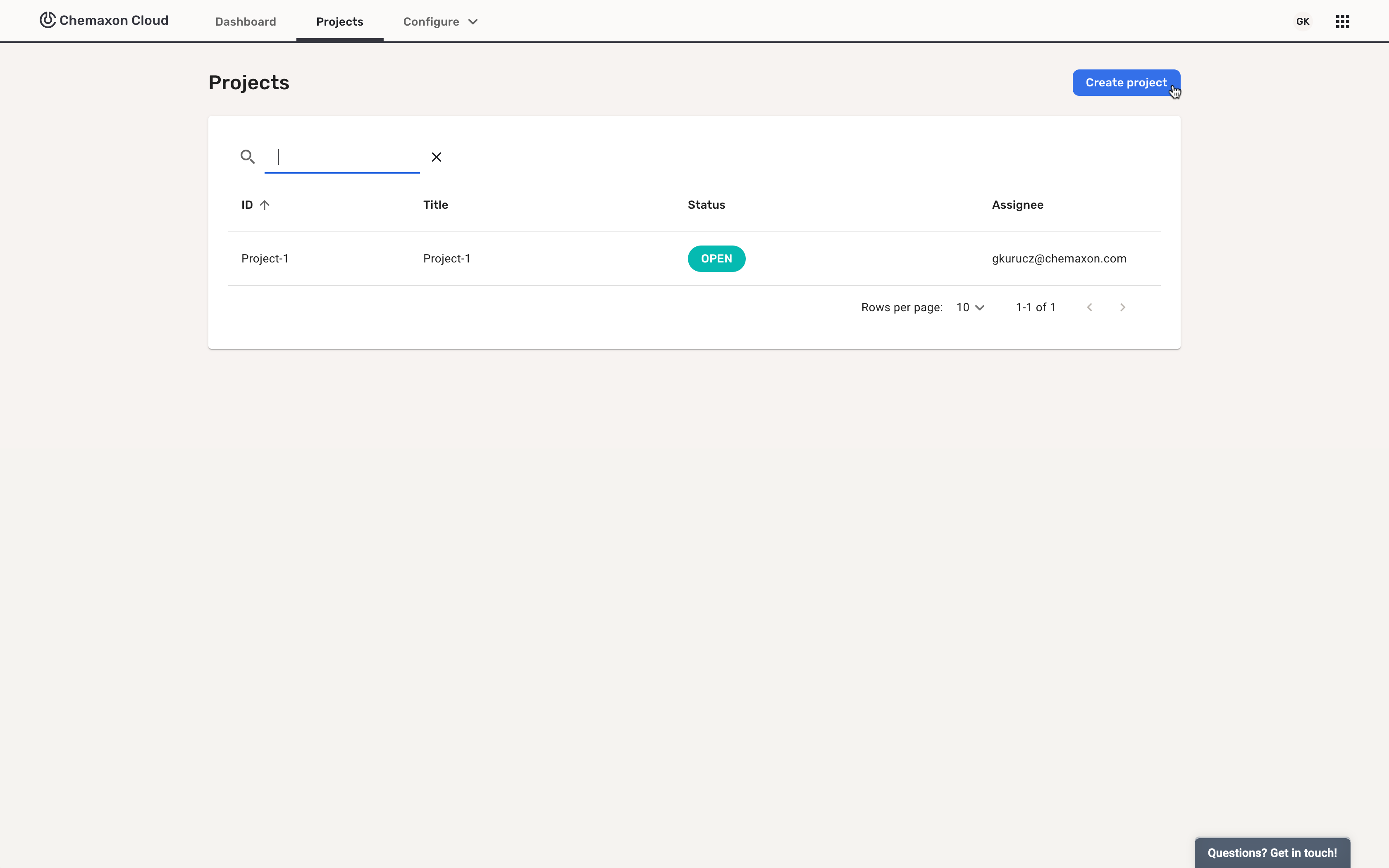
Click on the Create project button:
You are required to add a project identifier:
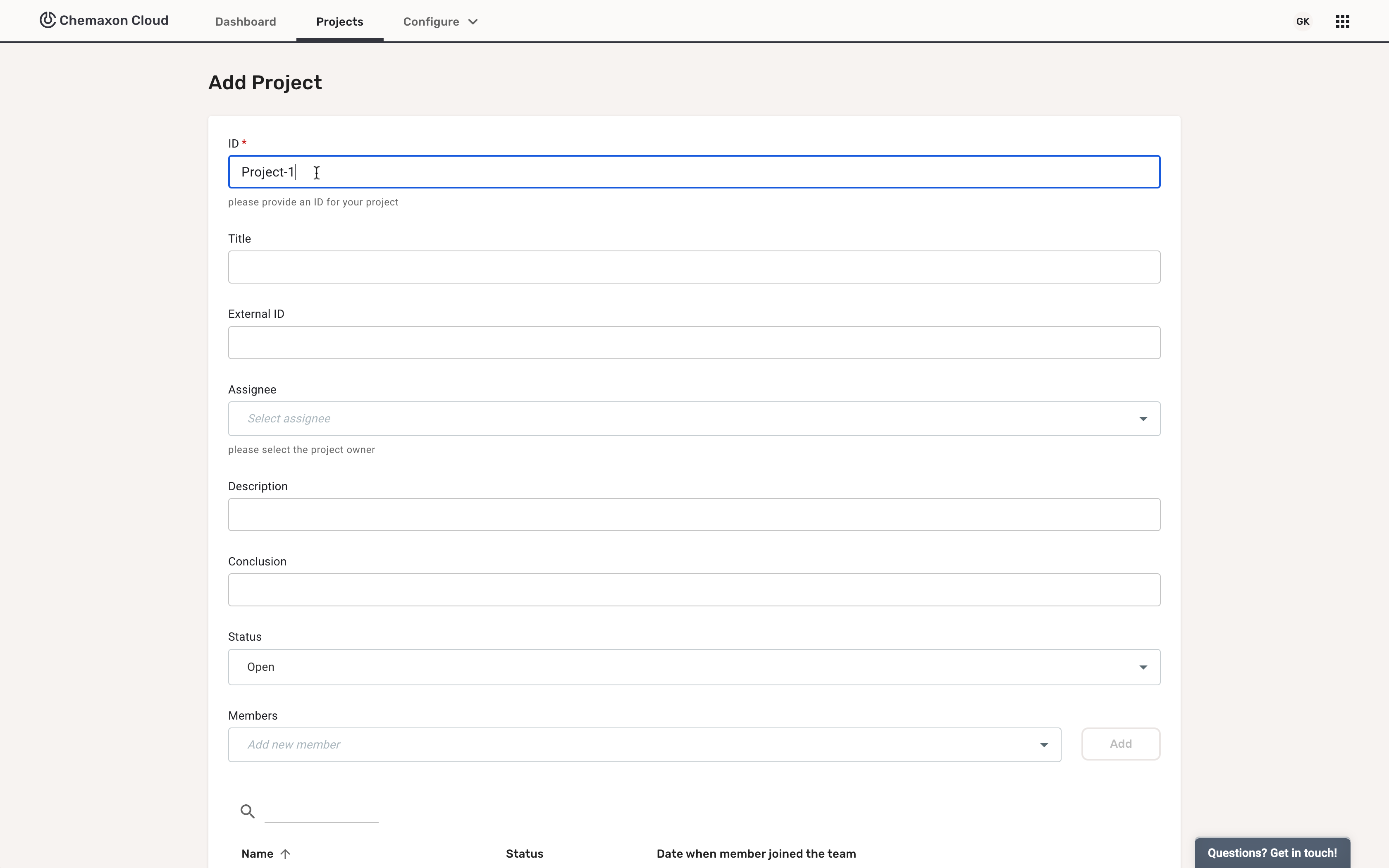
The project identifier must be unique within a team.
After the creating the project, all fields can be edited. If the project is closed, it can be reopened.
Only the members of TEAM_ADMIN or PROJECT_CREATOR groups, and the project assignee can edit the project, but all other Team Members have view rights.