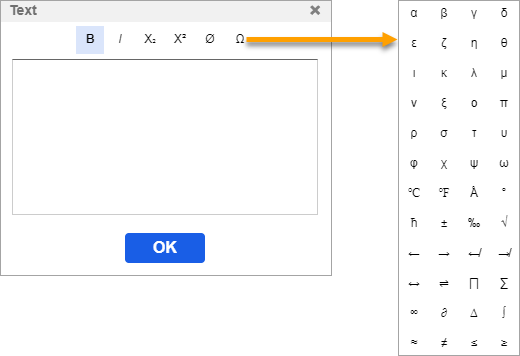
Text Dialog
In the Text dialog, it is possible to create formatted texts.
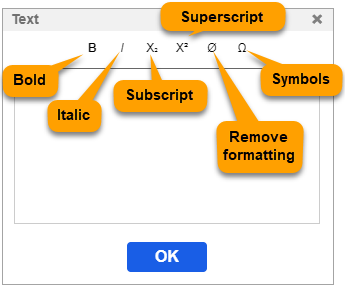
The available features are as follows:
- Bold
- Italic
- Subscript
- Superscript
- Inserting symbol
To write on the canvas, select the Text tool, then left-click on the canvas. In the opening Text dialog, you can create and format the text.
Symbols can be inserted by the symbol button, and also can be typed if there are keyboard shortcuts for them.