Convert Structures to Text
To convert structures to text, follow the below steps.
The Structure to Name license is needed to complete the InChi and IUPAC Name conversion processes. Contact sales@chemaxon.com regarding this license.
-
Select one or more cells, a whole column, or a whole row.
-
Use the context menu to navigate to Convert > Convert to Text and select the desired textual format. The supported formats are as follows:
- SMILES (also available through the ribbon)
- Extended (ChemAxon) SMILES
- SMARTS
- Extended (ChemAxon) SMARTS
- InChi
- IUPAC Name
1<img src="images/download/attachments/1806058/Convert_to_Text_s2.png" alt="images/download/attachments/1806058/Convert_to_Text_s2.png"/>
-
The structures are converted to the selected textual format.
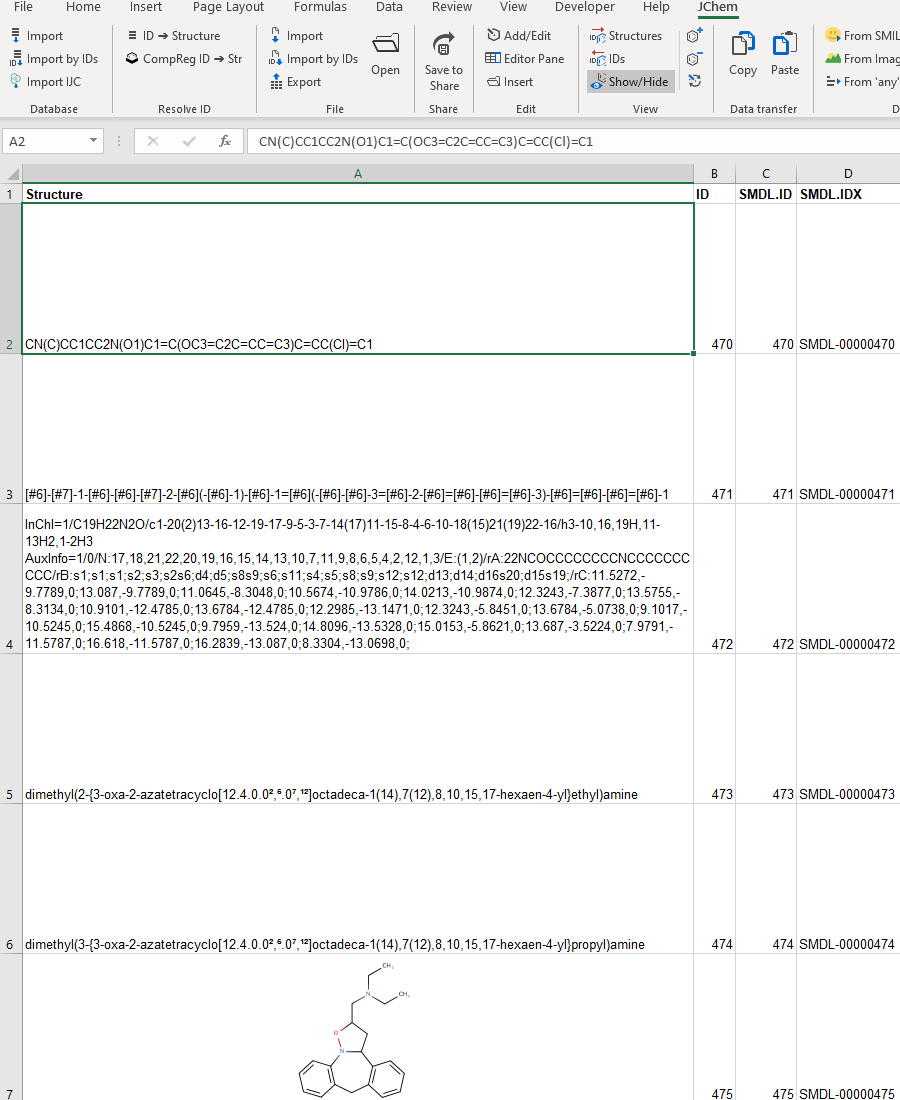
It is also possible to keep the original structures in the structure column and insert a new column for the strings.
To do this, set the value of Placement to InsertRight(instead of Replace) in Options > Actions > Convert From Structure.