Special Toolbars
These toolbars are not visible by default. To make one visible select its checkbox in the View > Toolbars submenu.
The following special toolbars are available in MarvinSketch:
Chemical Toolbar
This toolbar contains chemical functions and it is not visible by default.
To make it visible, choose View > Toolbars > Chemical.
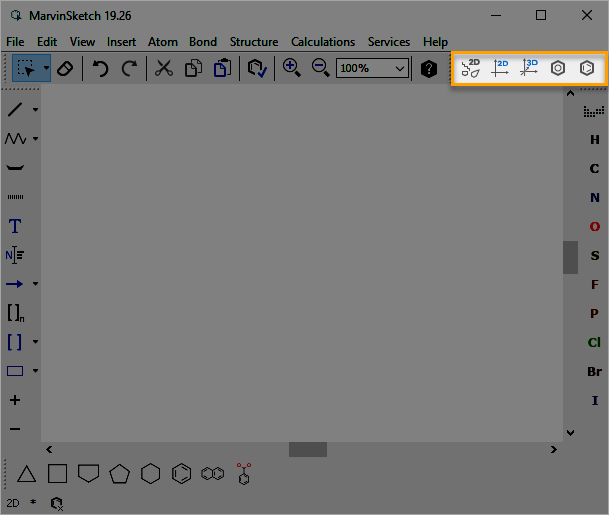
| Toolbar item | Icon | Description |
|---|---|---|
| Clean and Arrange in 2D |  |
Cleans structures and positions them to the center of the canvas. |
| Clean 2D |  |
Calculates new 2D coordinates for the molecule. |
| Clean 3D |  |
Calculates new 3D coordinates for the molecule. Clean3D builds up conformers of fragments from which the best, that is, the lowest energy conformer is given back. The quality of the structures is measured by a simple energy function (Dreiding-type molecular mechanics). |
| Convert to Aromatic Form |  |
Transforms the molecule to aromatic representation using the transformation method set. |
| Convert to Kekulé Form |  |
Transforms the molecule to non-aromatic representation. |
Markush Toolbar
This toolbar contains functions that help to work with Markush structures and it is not visible by default.
To make it visible, choose View > Toolbars > Markush.
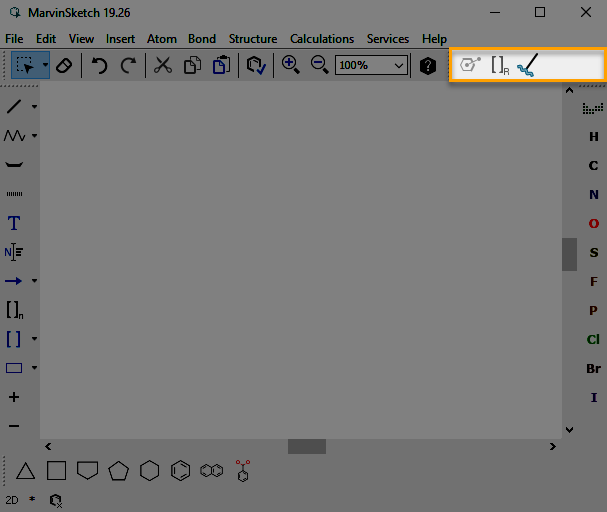
| Toolbar item | Icon | Description |
|---|---|---|
| Position Variation Bond |  |
Creates a variable point of attachment to represent a connection point to a group of atoms. |
| Frequency Variation |  |
Creates a repeating unit with repetition ranges. For interpretation of range see repeating unit limitations. |
| R-group Attachment |  |
Adds an attachment to the structure. |
3D Editing Toolbar
This toolbar is not visible by default. It contains functions that can be useful in editing the structures in 3D.
To make it visible, choose View > Toolbars > 3D editing.
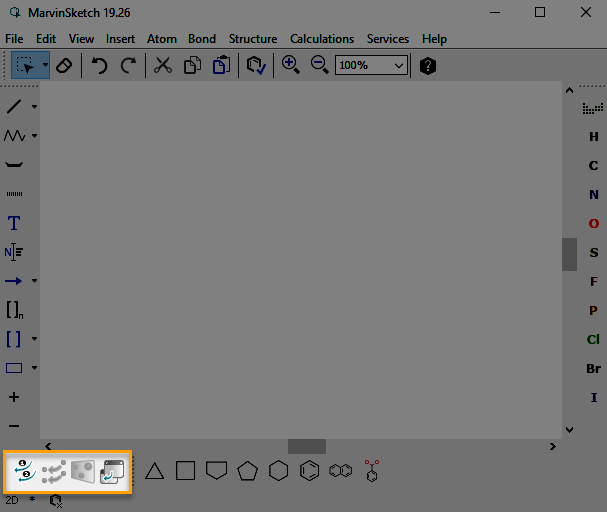
| Toolbar item | Icon | Description |
|---|---|---|
| Assign Atoms |  |
Maps atoms to merge. |
| Merge |  |
Merges assigned atoms. |
| 3D Plane |  |
Alters the coordinates of the molecule to put the 3 selected atoms of the molecule onto the plane of the canvas. |
| New Substituent |  |
Adds a new fragment to the canvas. |