Microsoft Office 2013, 2016, 2019 and 2021
-
Launch Microsoft Office (Excel, Word, PowerPoint or Outlook).
-
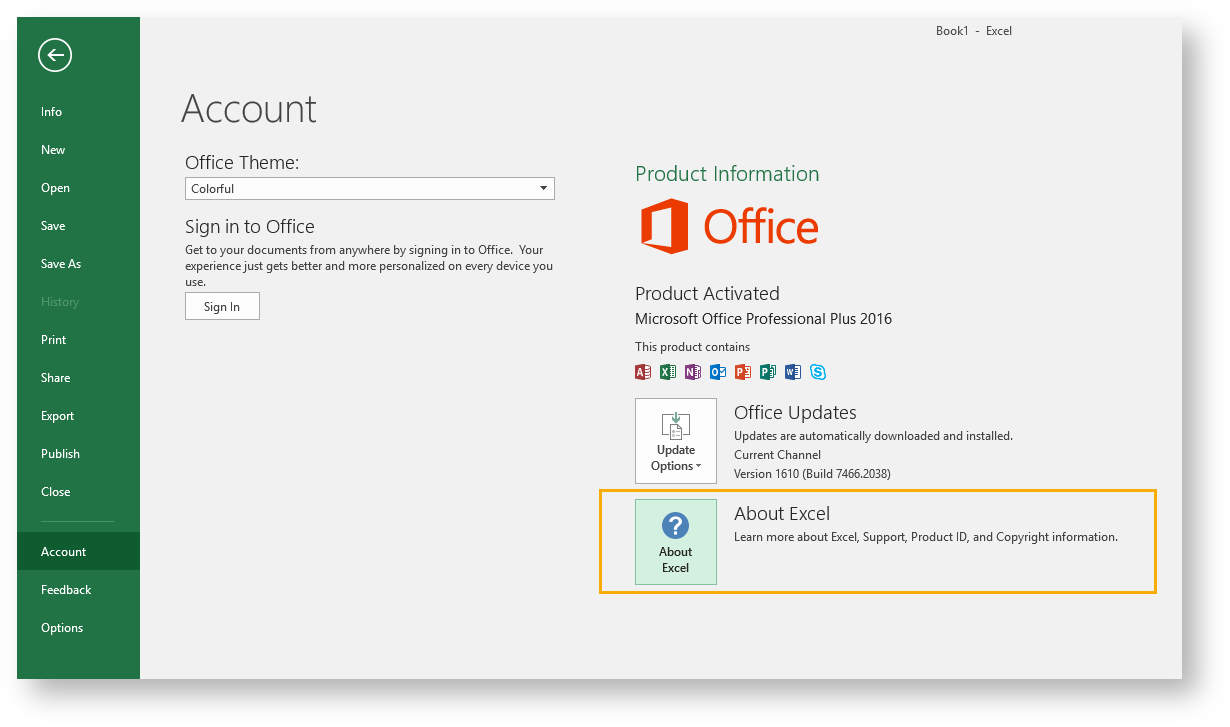
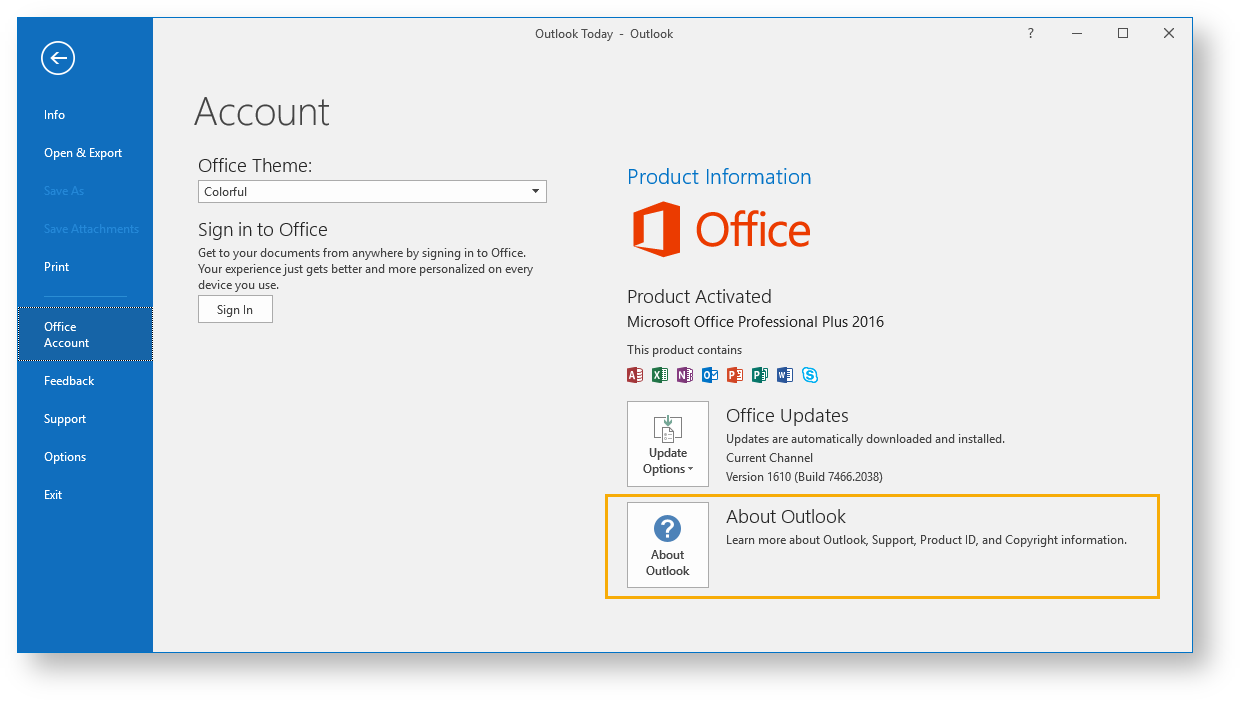
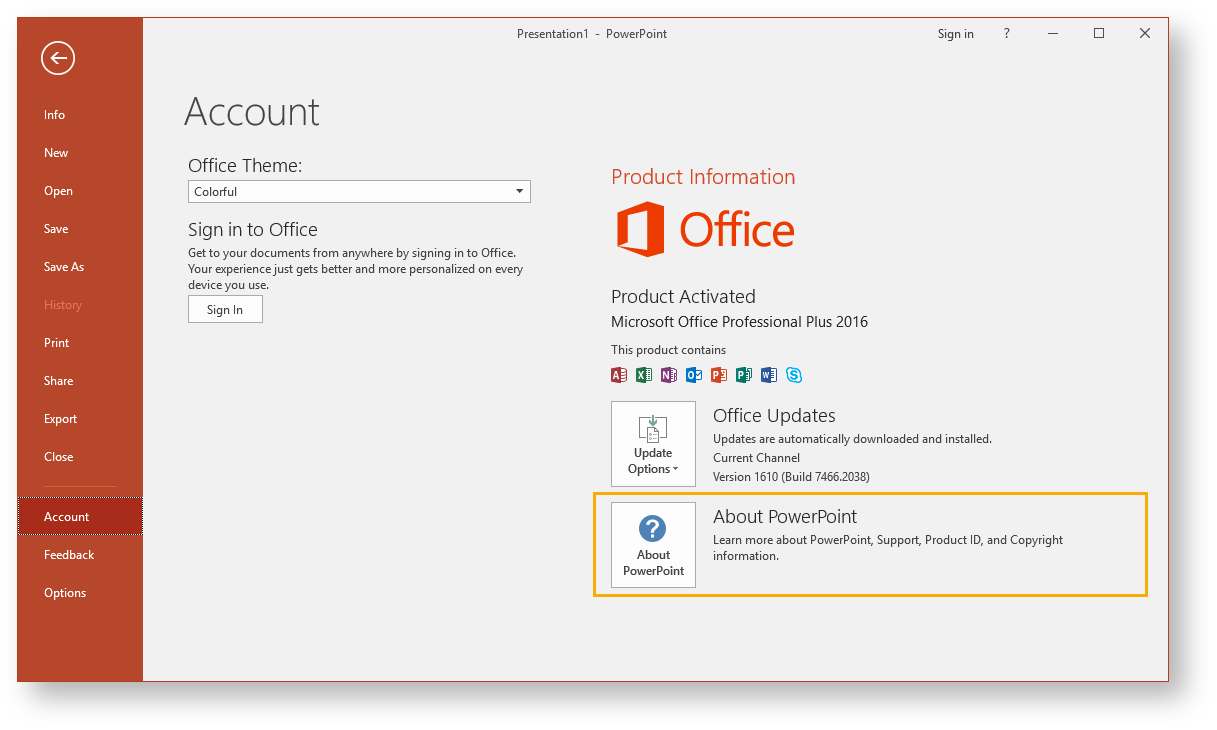
Go to File > Account menu.
-
Press the About Excel, About Word, or About PowerPoint button.
In Excel:
In Word:
In PowerPoint:
1.
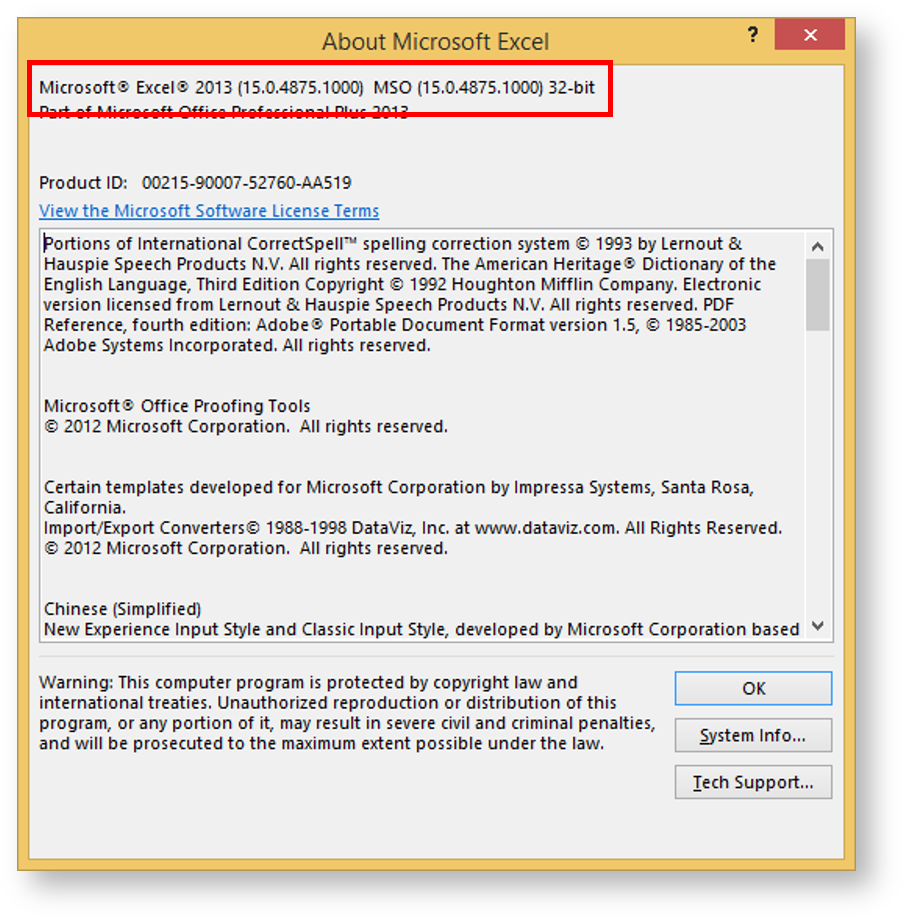
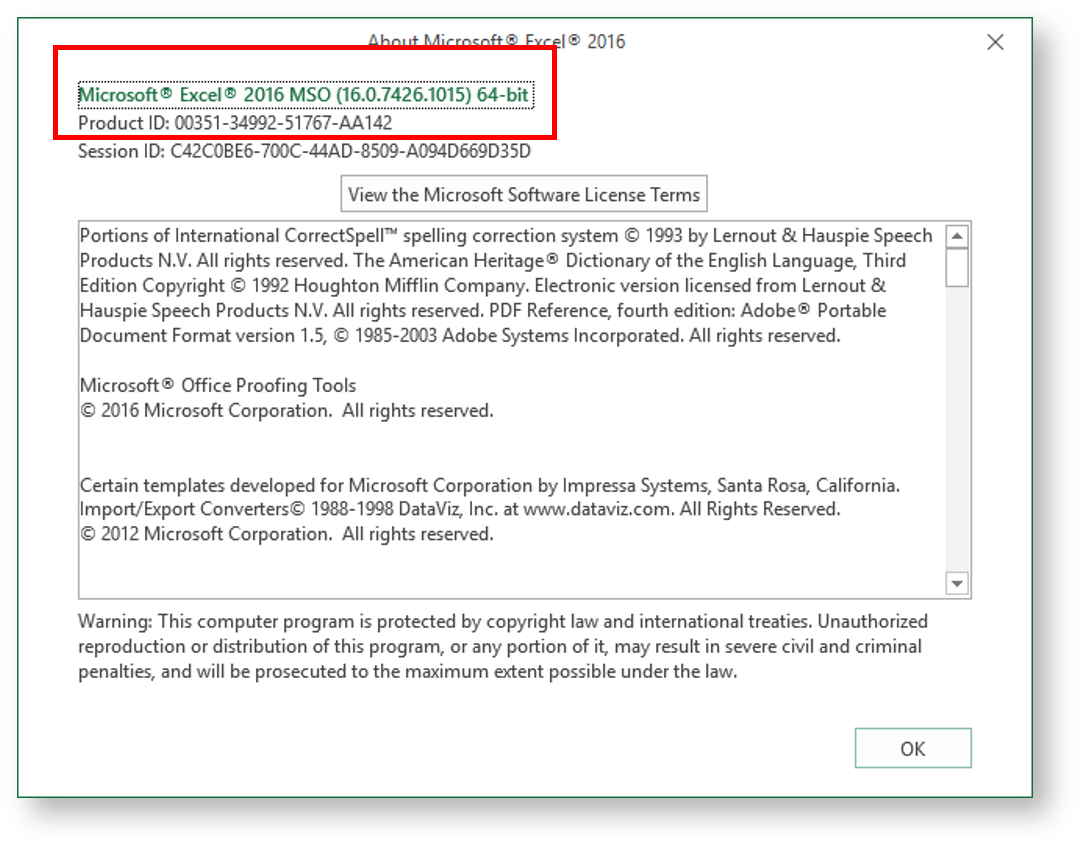
In the upcoming dialog, you can see the exact version of Microsoft Office installed on your computer.The figure below shows the dialog of Excel 2016, 2019 and 2021:
The figure below shows the dialog of Excel 2013: