Import with Document to Structure in JChem for Excel
With a valid Document to Structure license, it is possible to import chemical structures from texts and images of different documents.
The following file extensions are supported:
.doc
.docx
.xls
.xlsx
.ppt
.pptx
.pdf
.htm
.html
.odt
.xml
To import structures from a file with Document to Structure license, follow the steps below.
-
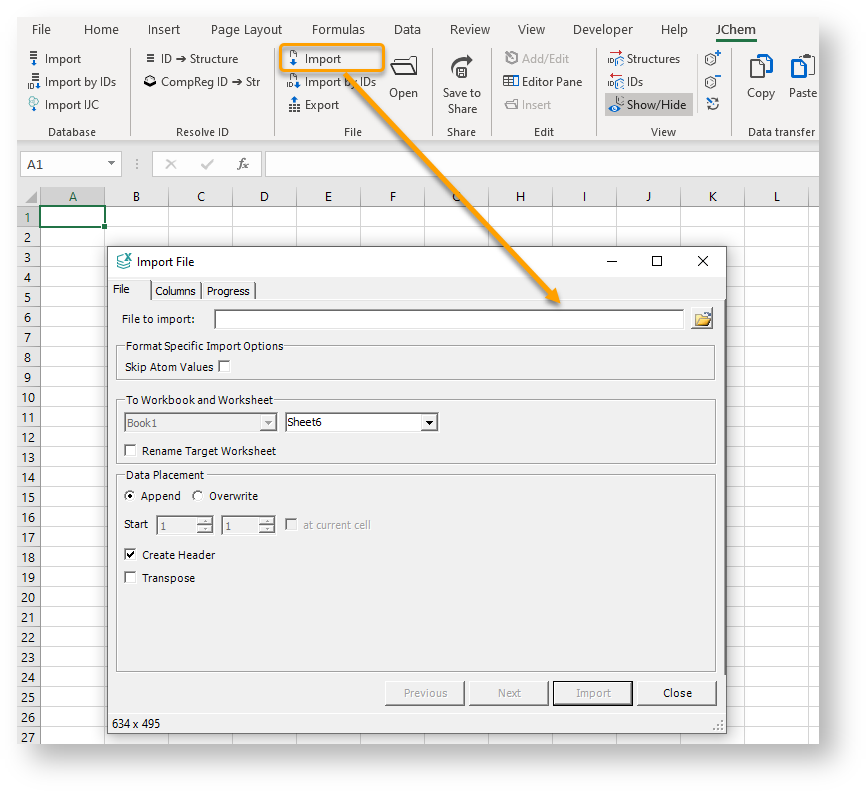
Click the Import button under the File group on the ribbon.
-
On the File Import dialog, click the browse icon and select the desired file.
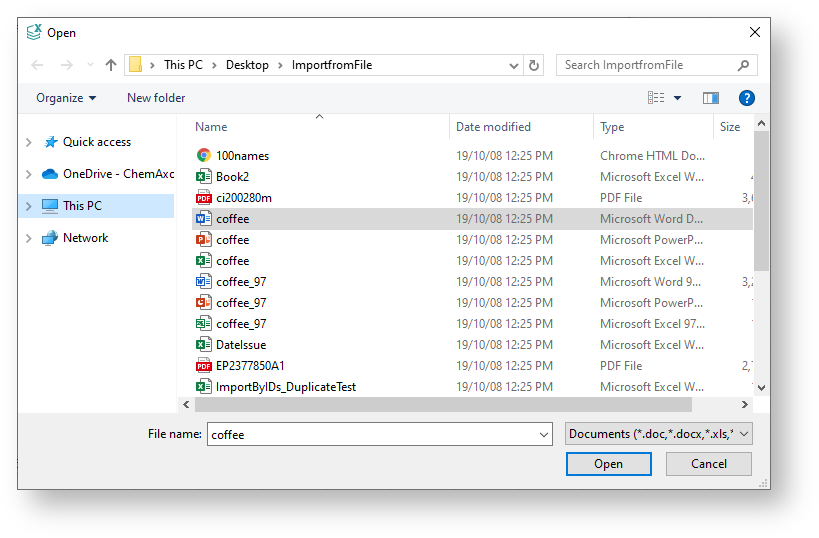
Importing structures from text does not require OSRA.
OSRA is only necessary for importing chemical structures from images. For more information, see Image Import in MarvinSketch.