Chemical structures
Structure Types
Six structure types are available:
- Single Structure (default)
- Mixture
- Formulation
- Alternate
- Polymer
- No structure
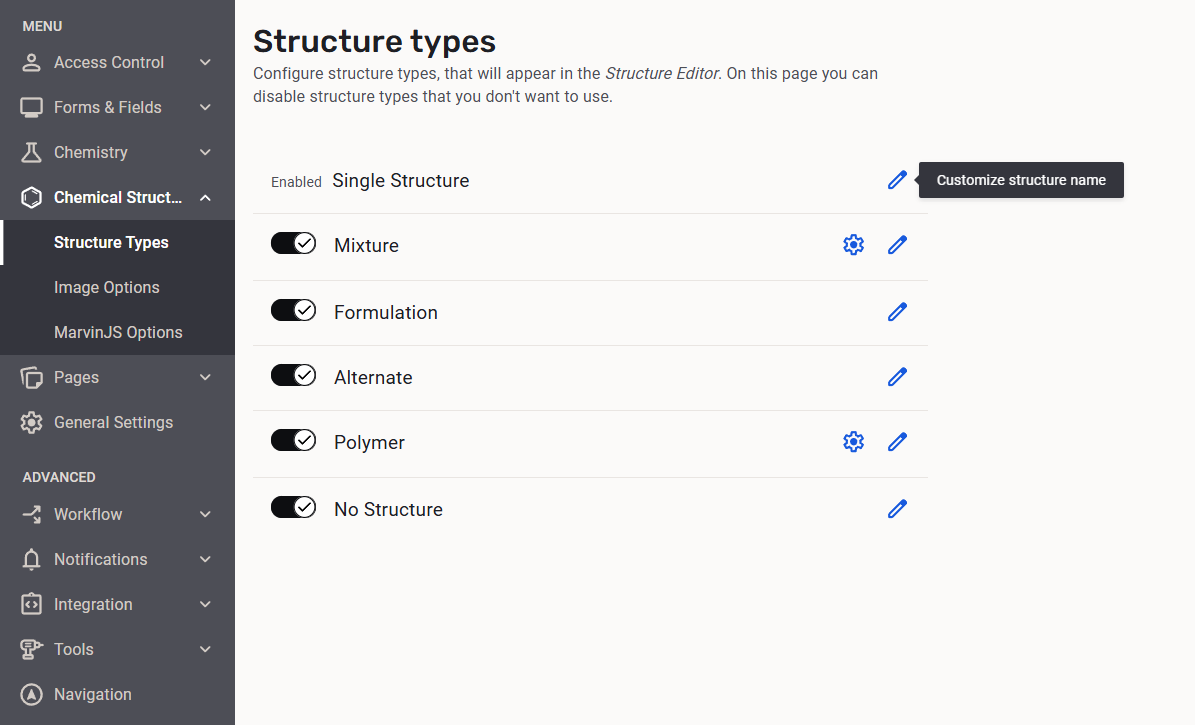
The structure types, except the Single Structure, can be configured to be present in the Structure Type list located on the top left corner of the Structure Editor.
 |
|---|
| Configuration of the available Structure types |
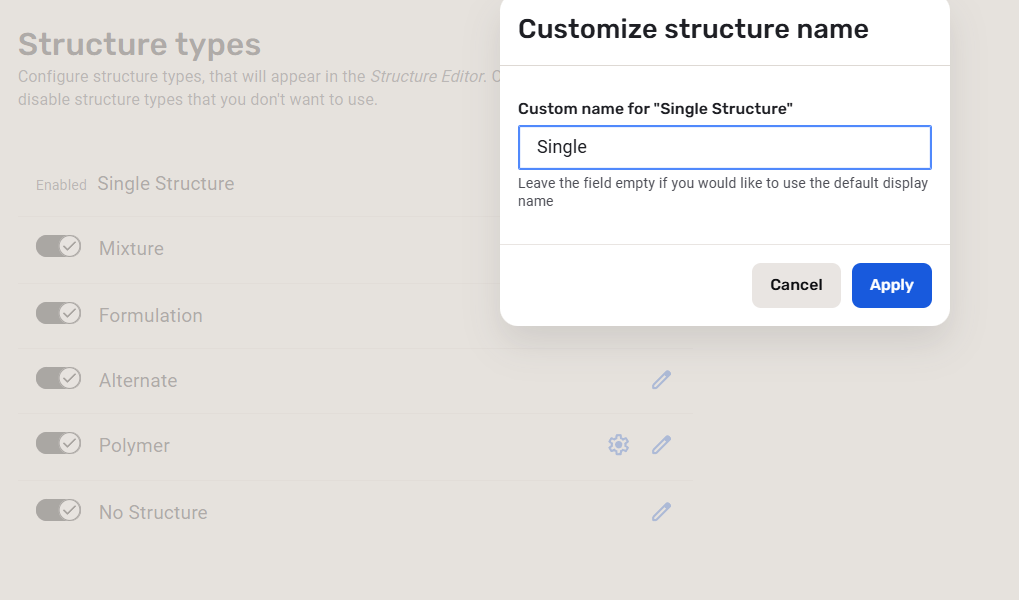
All the structure type names can be renamed after clicking the [Customize structure name] button.
 |
|---|
| Renaming Structure types |
Renaming a structure type.
After the rename the original name will be always displayed.
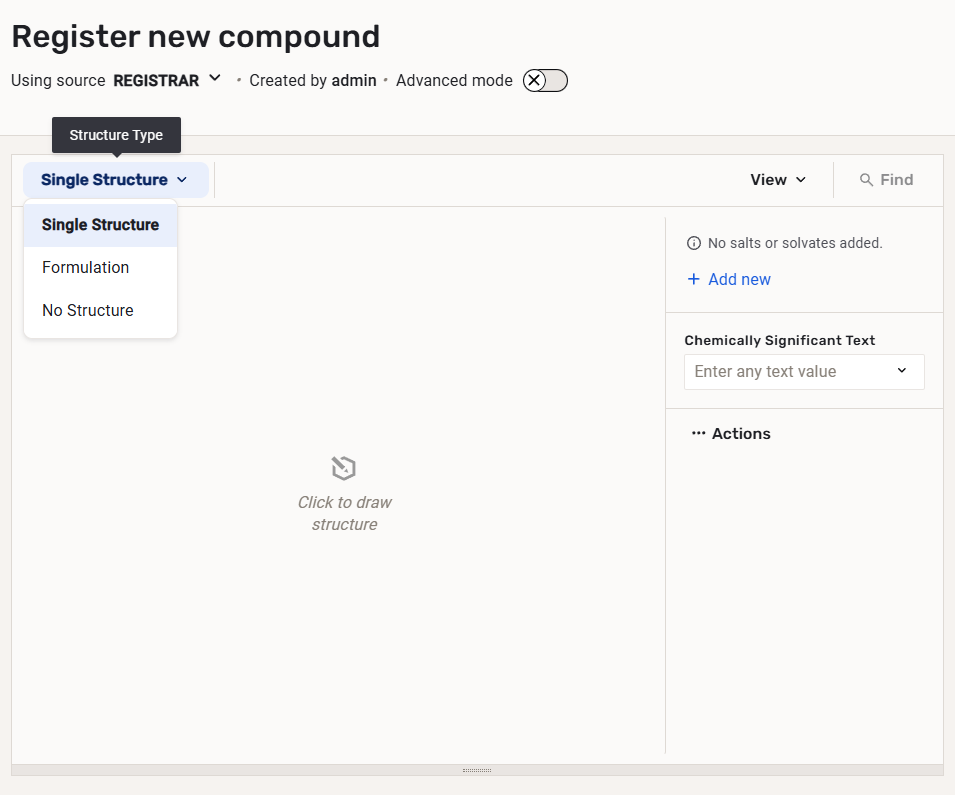
Once a structure type is set to be "OFF" it will not be present in the Structure type list.
E.g. if only the Formulation structure type is "ON", the Structure Type list within the Structure Editor will contain the Single Structure and the Formulation.
 |
|---|
| Structure Editor with the list of the available Structure Types |
Image Options
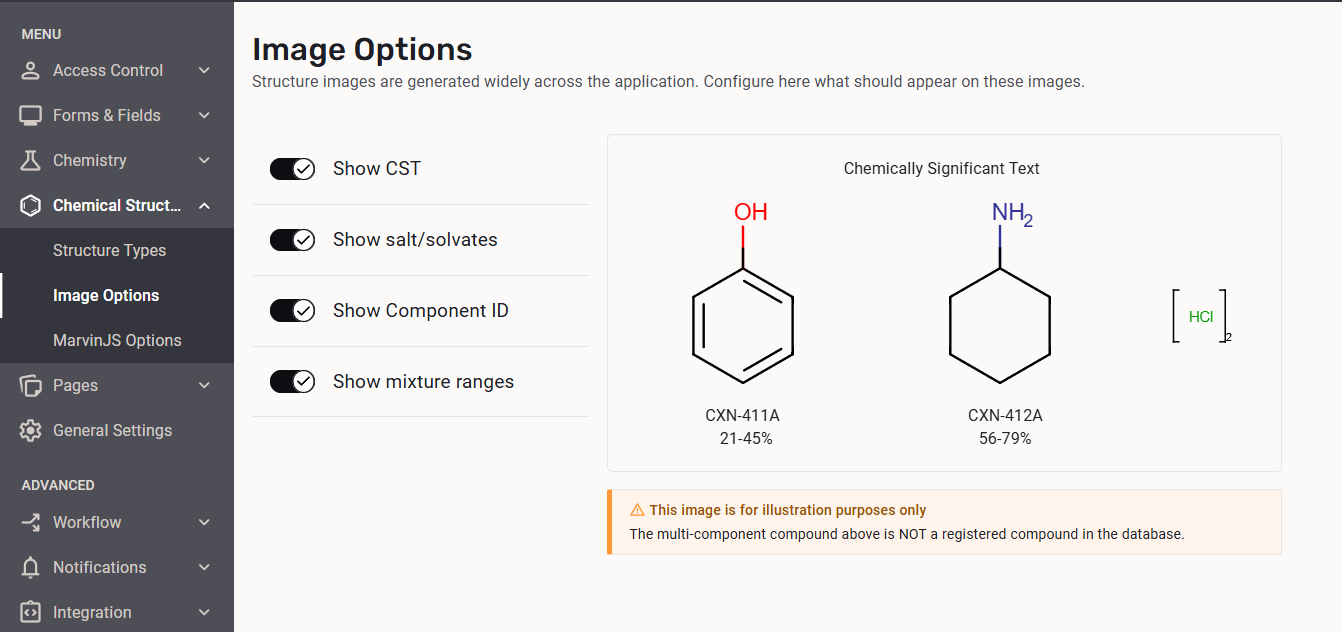
The administratior can set the generated structure image options considering the CST, the salts/solvates, the component Ids and mixture ranges (in case of multi-cmponent compounds). The settings will be applied instanteneously on the registered compounds. The image next to the settings serves only an illustration purpose.
 |
|---|
| The image generation options including an illustration |
Marvin Options
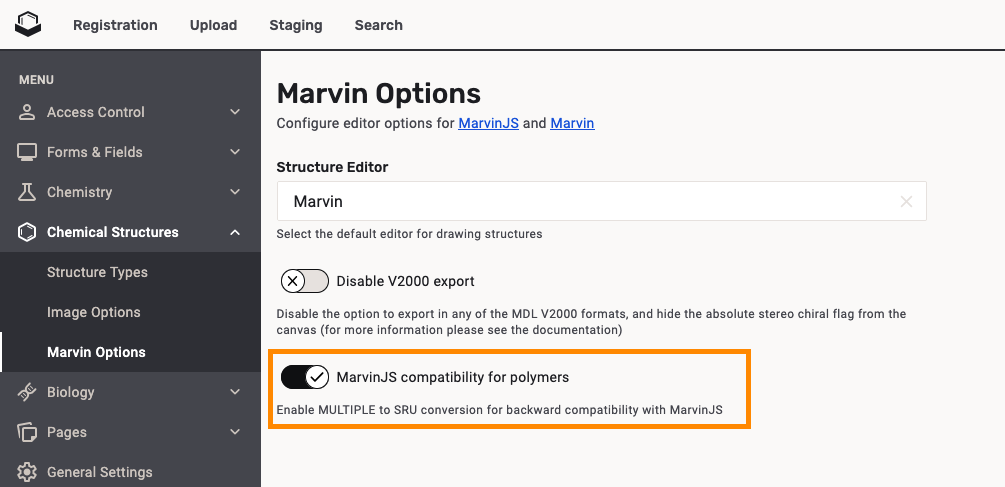
Starting with version 26.1.0, users can choose either Marvin or MarvinJS as the structure editor. When Marvin is used, for backward compatibility, the MUL to SRU conversion is used by default for structures with repeating units.
 |
|---|
| The MarvinJS compatibility option when Marvin is used as structure editor |
We strongly recommend leaving the
MUL to SRU conversion for structures with repeating units on when using Marvin.
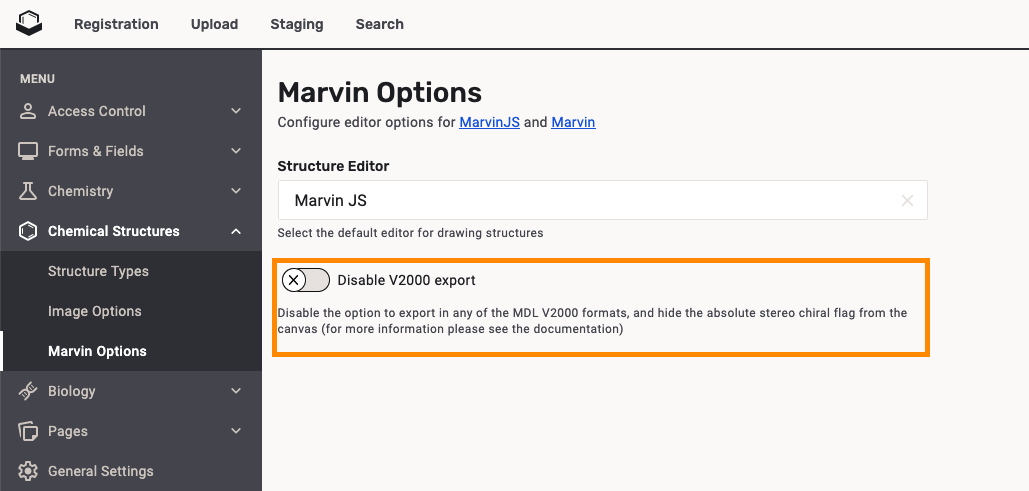
Since version 21.3.0 when using MarvinJS as the default sketcher an option to disable exporting to any of the MDL V2000 formats, and to prevent users from setting the absolute chiral flag was added. By default this option is turned OFF.
 |
|---|
| Disable MDL V2000 export option |