From Instant JChem to JChem for Office
If your ribbon is not customized, a **Paste ** button is available both in the Standard and in the Advanced menu set of JChem for Excel, Word, Powerpoint, and Outlook.

-
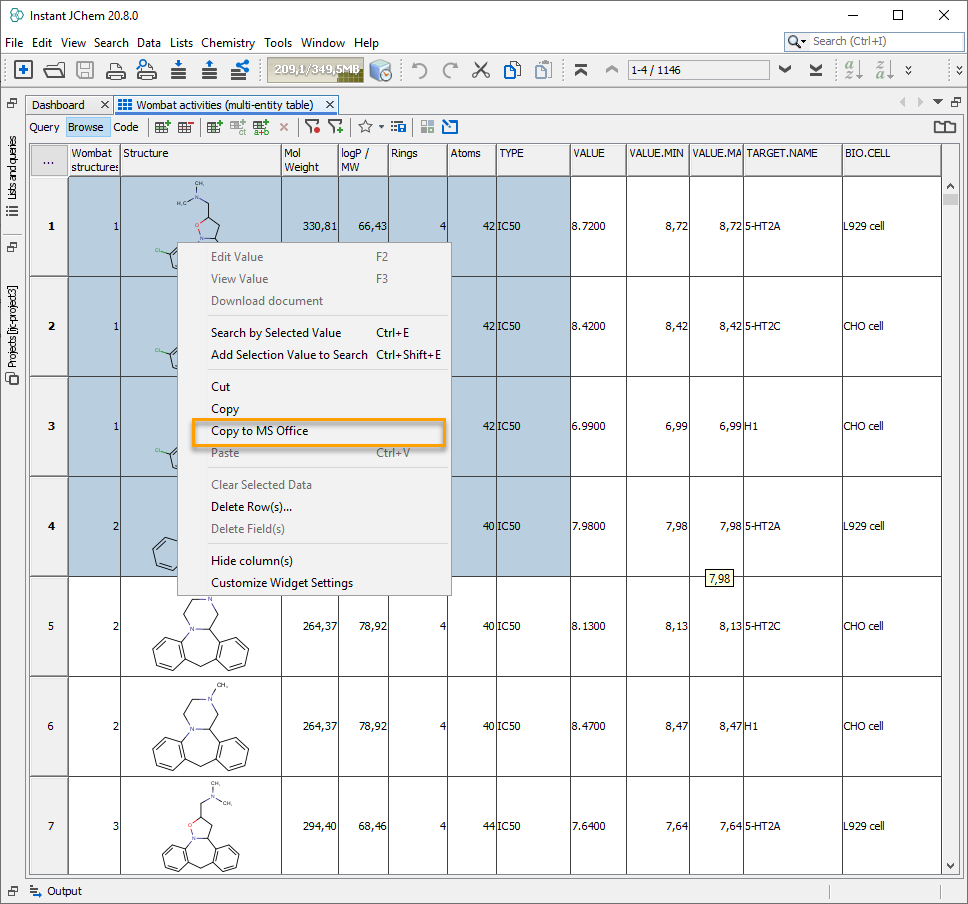
Select a few structures and data in IJC and right-click on the selected area, click Copy to MS Office.
-
Press the **Paste ** button in any of the JChem for Office applications.
-
The data copied from IJC is displayed on the selected sheet or document.
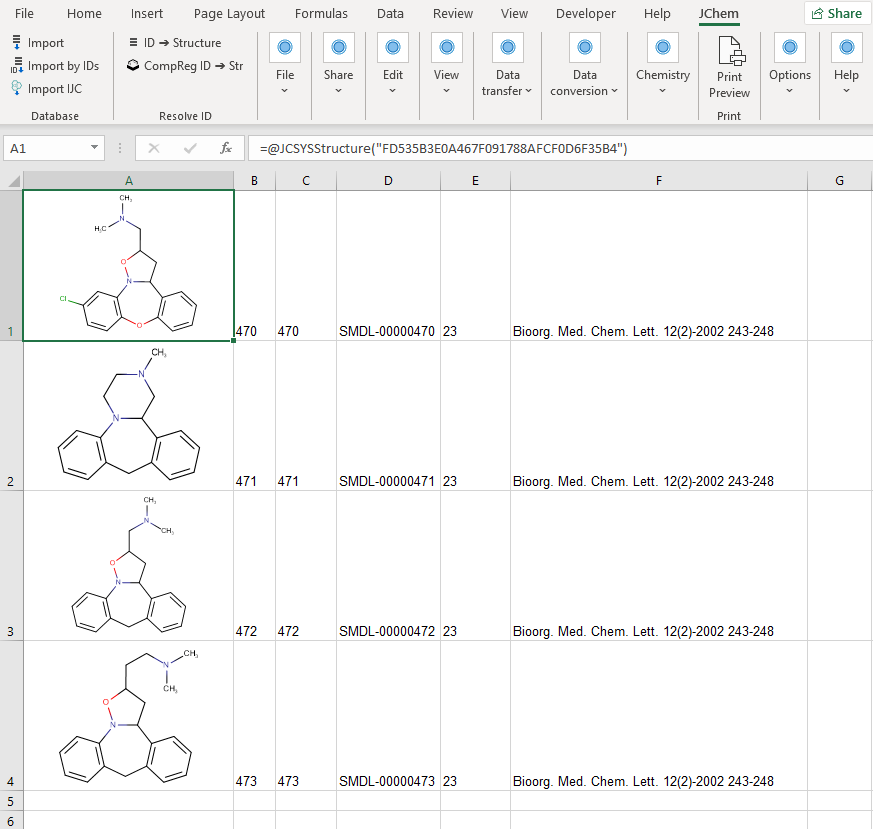
The paste will start in the Excel cell, which was selected on the sheet before pasting.