Plexus Connect - Quick Start Guide
Plexus Connect is a web-based software used to access, display, search, and analyze scientific data. It seamlessly combines Chemaxon's cheminformatics expertise with the technical benefits of a browser-based environment. It accesses chemical databases designed and managed within Instant JChem, making your research data accessible in an online environment.
This page serves as a brief overview of the most important features in Plexus Connect. Each short animation provides an introductory guide to a Plexus Connect function which could prove useful in your everyday work.
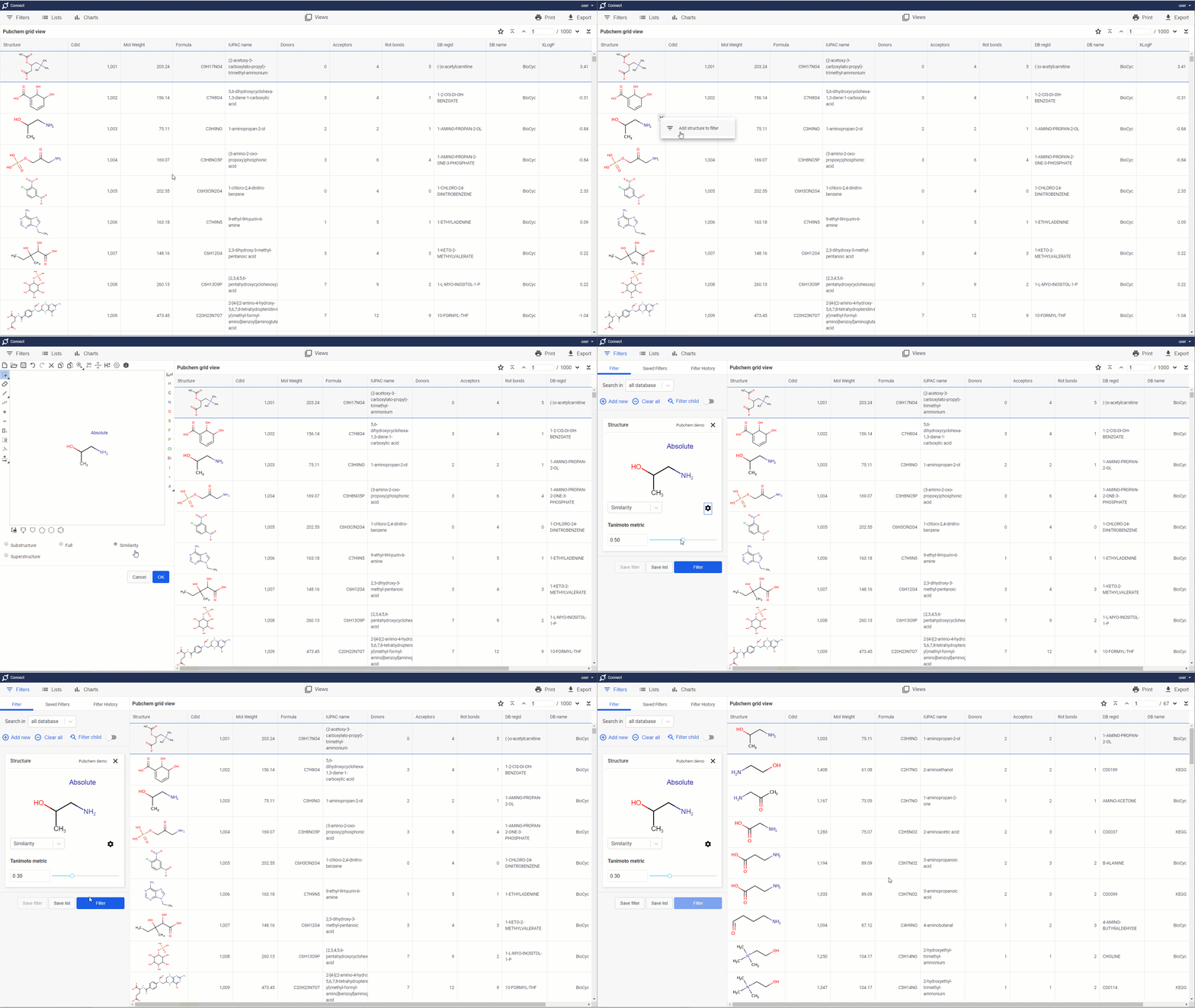
Structure search
Filter your molecules using your favorite JChem search engine
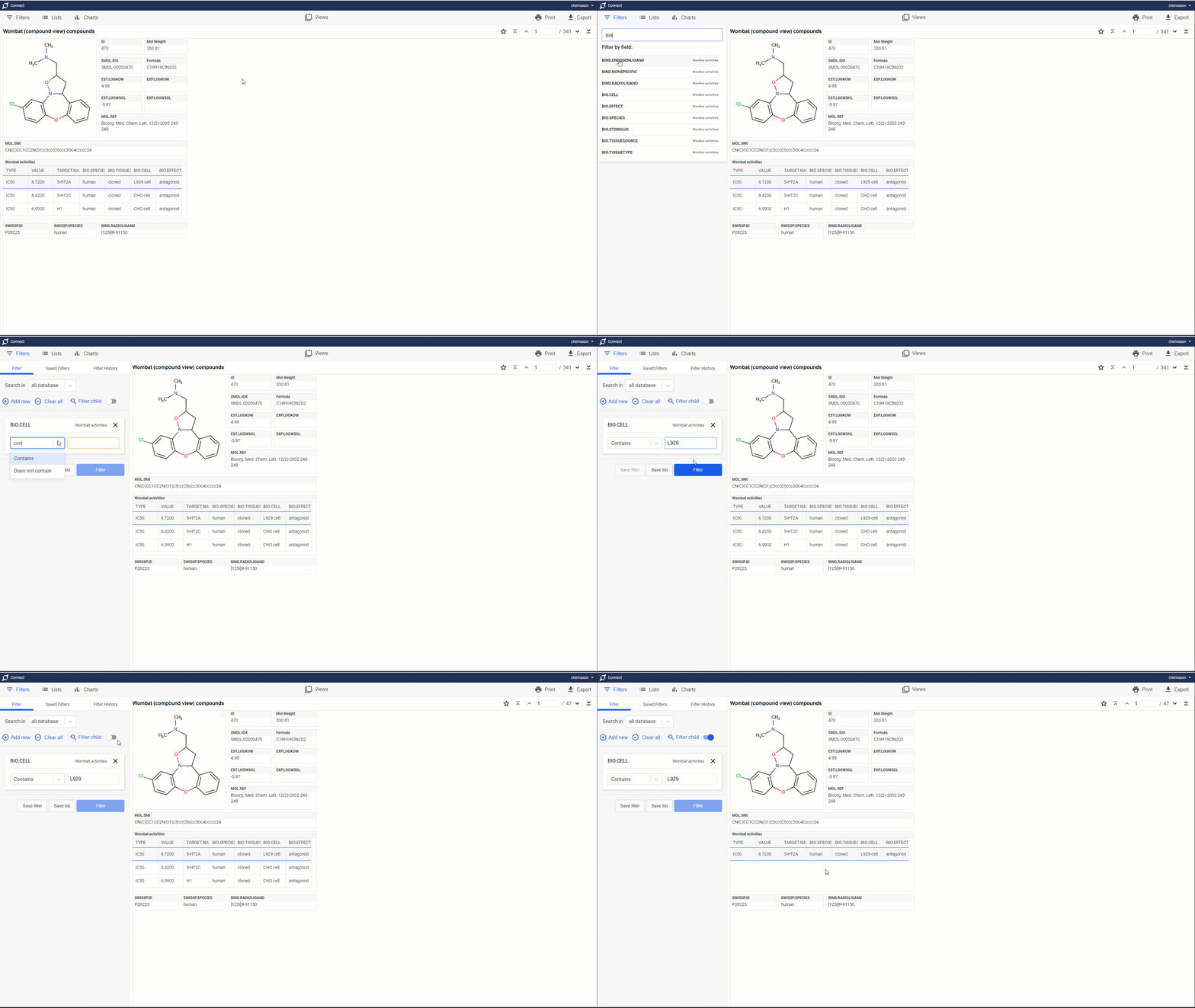
Filtering relation data
Child data filtering capability enables users to search data from complex datatrees containing many-to-one relationships
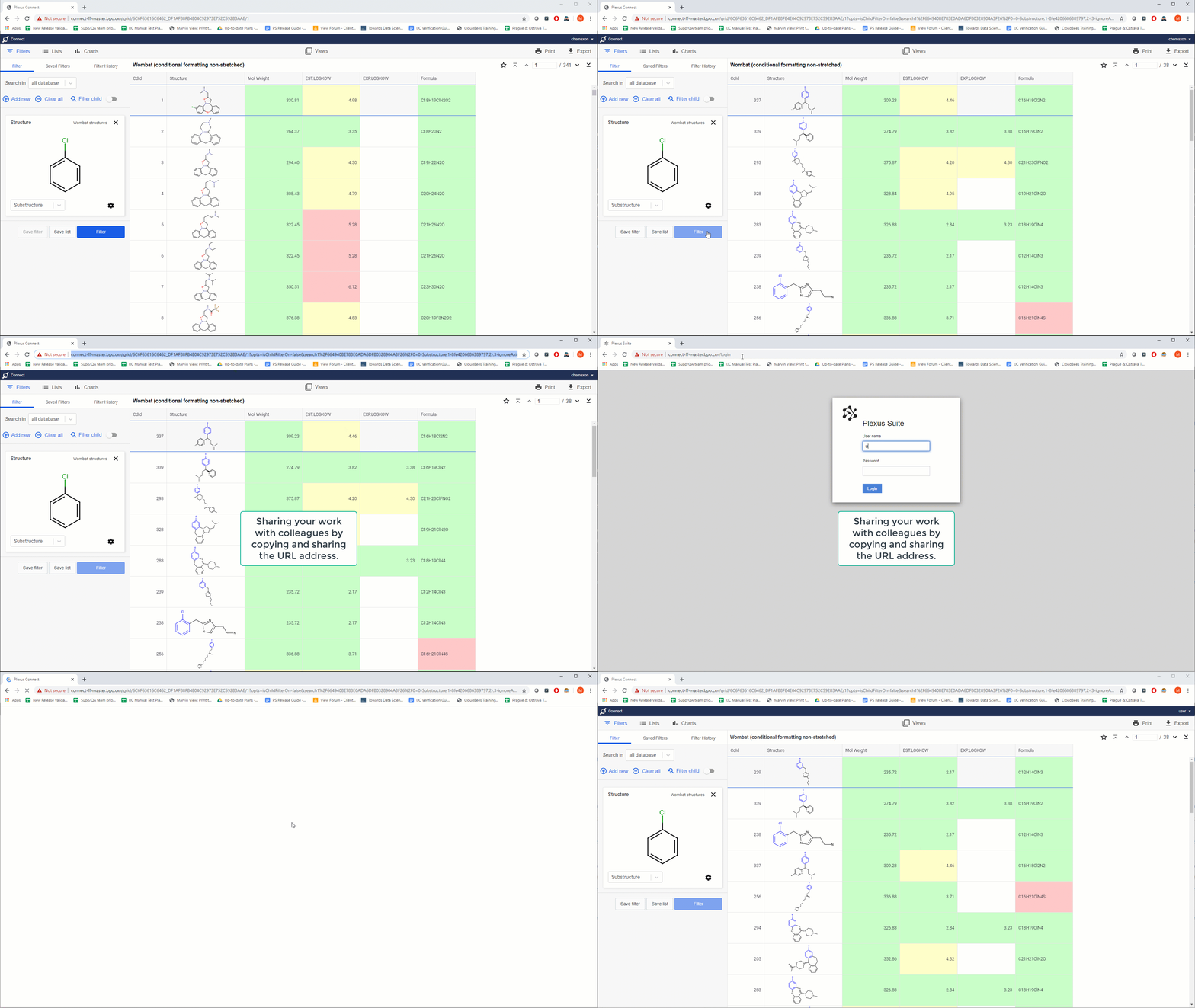
Workspace sharing
Workspace content is shareable with your collaborators by copy/pasting its URL address
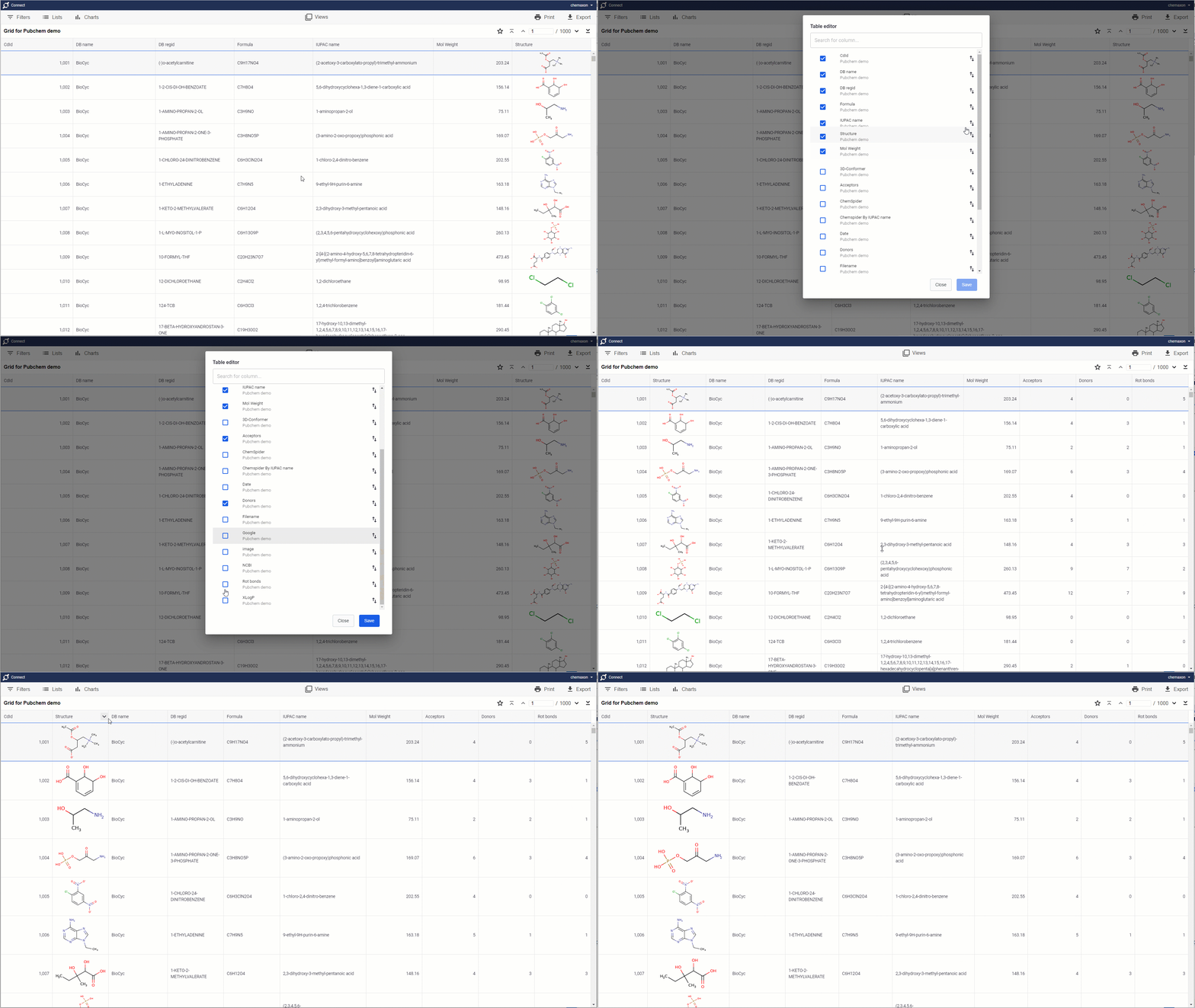
Customizing grid views
Basic grid views can be easily customized by the table editor. For instance, users can add and hide columns, reorder columns, resize both rows and columns. Selected columns can be frozen to the left side of the screen to exclude them from horizontal scrolling
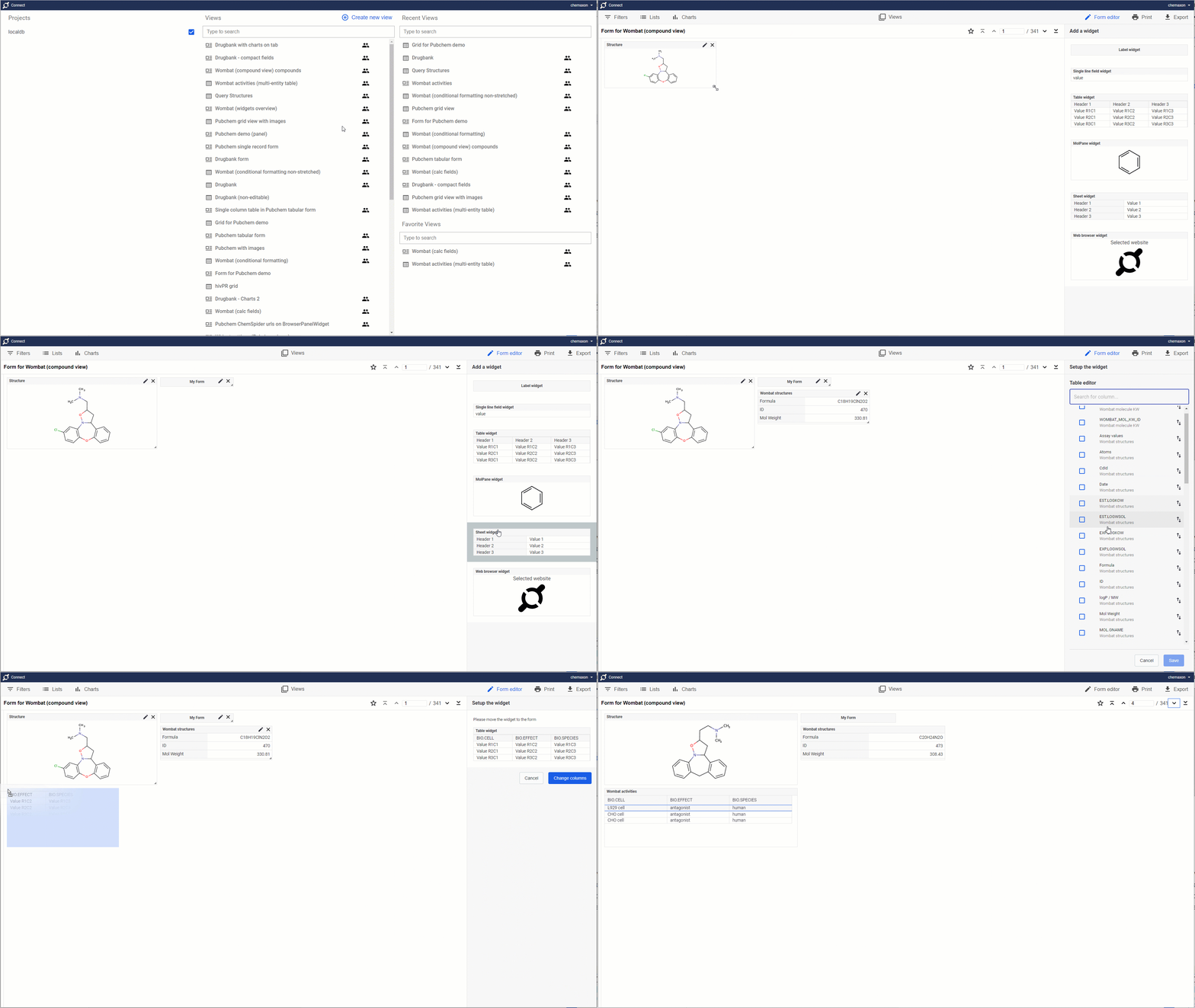
Form editor
With the form editor functionality users can build and edit their own form views. Use your favorite widgets and create forms that fits to your data and needs
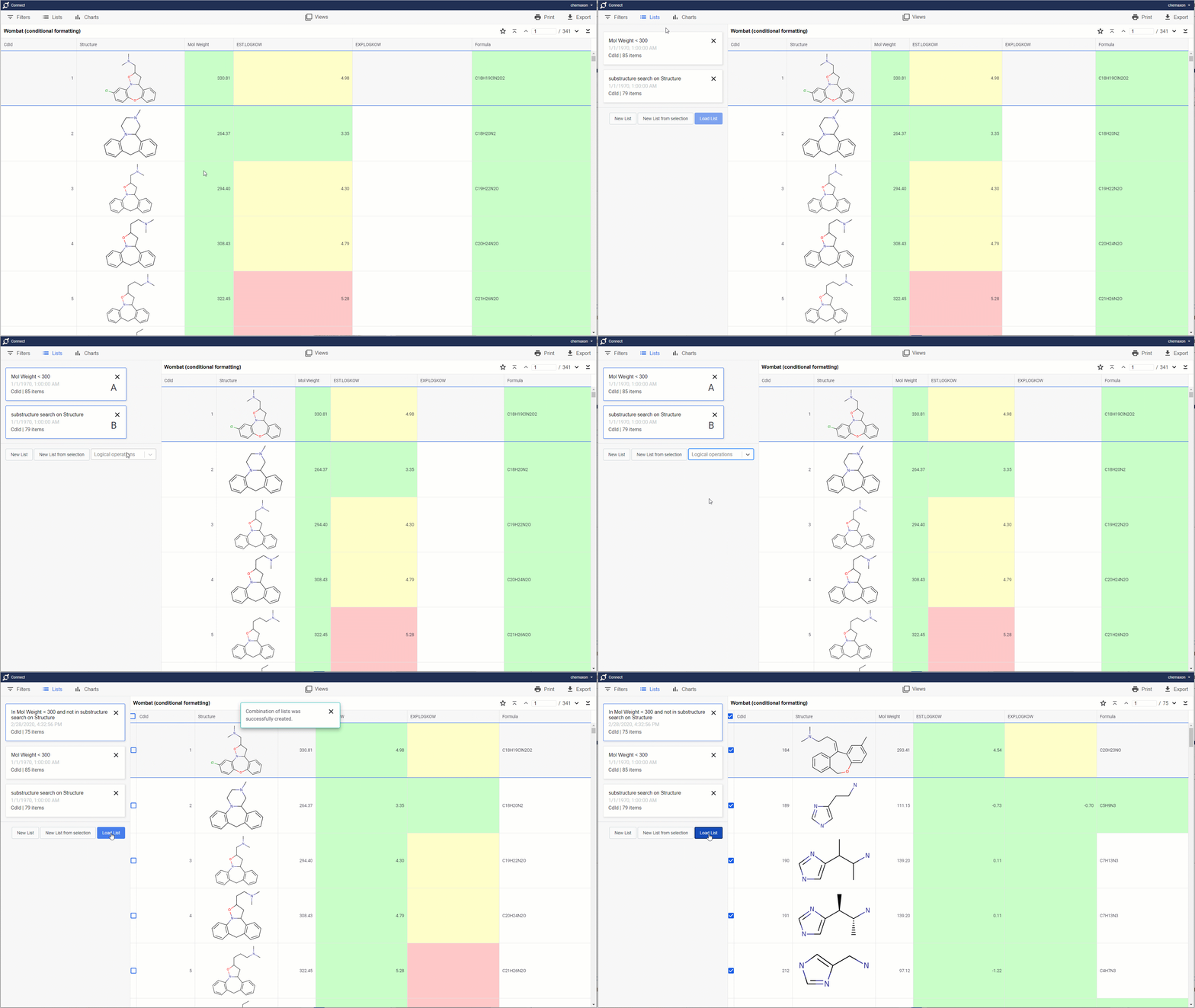
List operations
Combine your lists by using advanced logical operators (such as Intersection or Union) to discover hidden patterns in your datasets
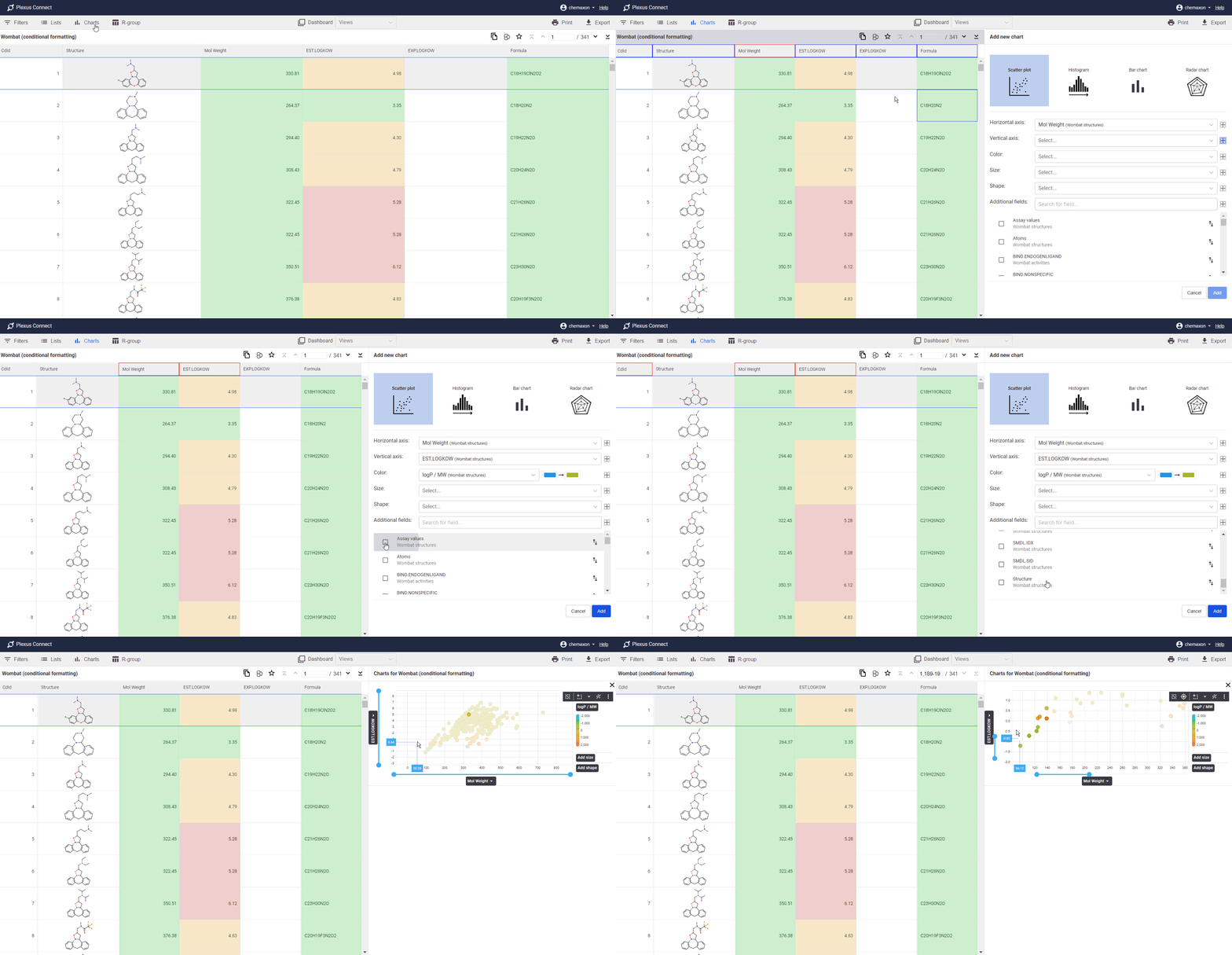
Interactive charting
Visualize your datasets as easily readable Scatterplots, Histograms, Bar charts or Radar charts to discover relationships between your data
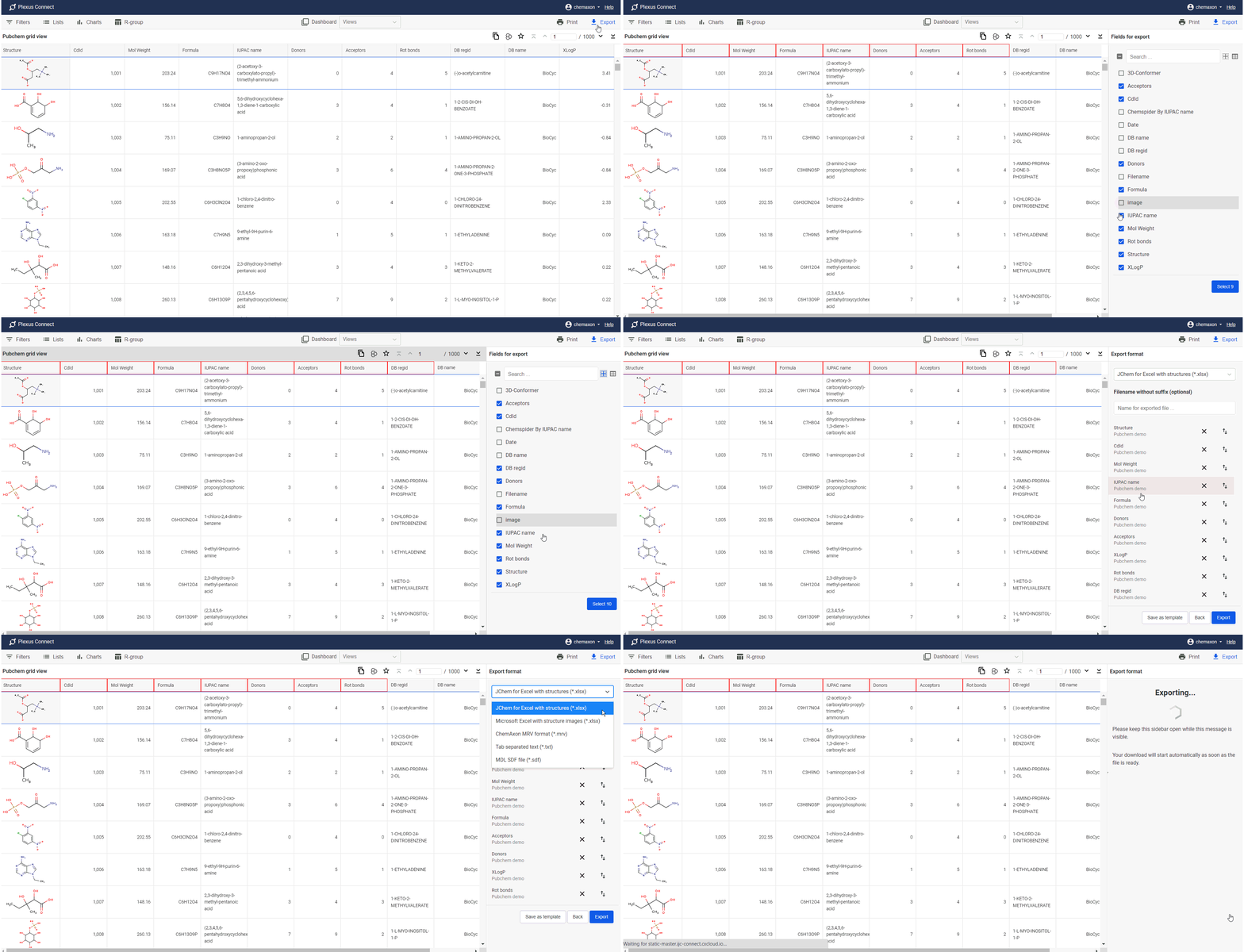
Export
Data from Plexus Connect can be easily exported into various standard file formats such as SDF, MRV or MS Excel