Managing Projects
Creating a new Project
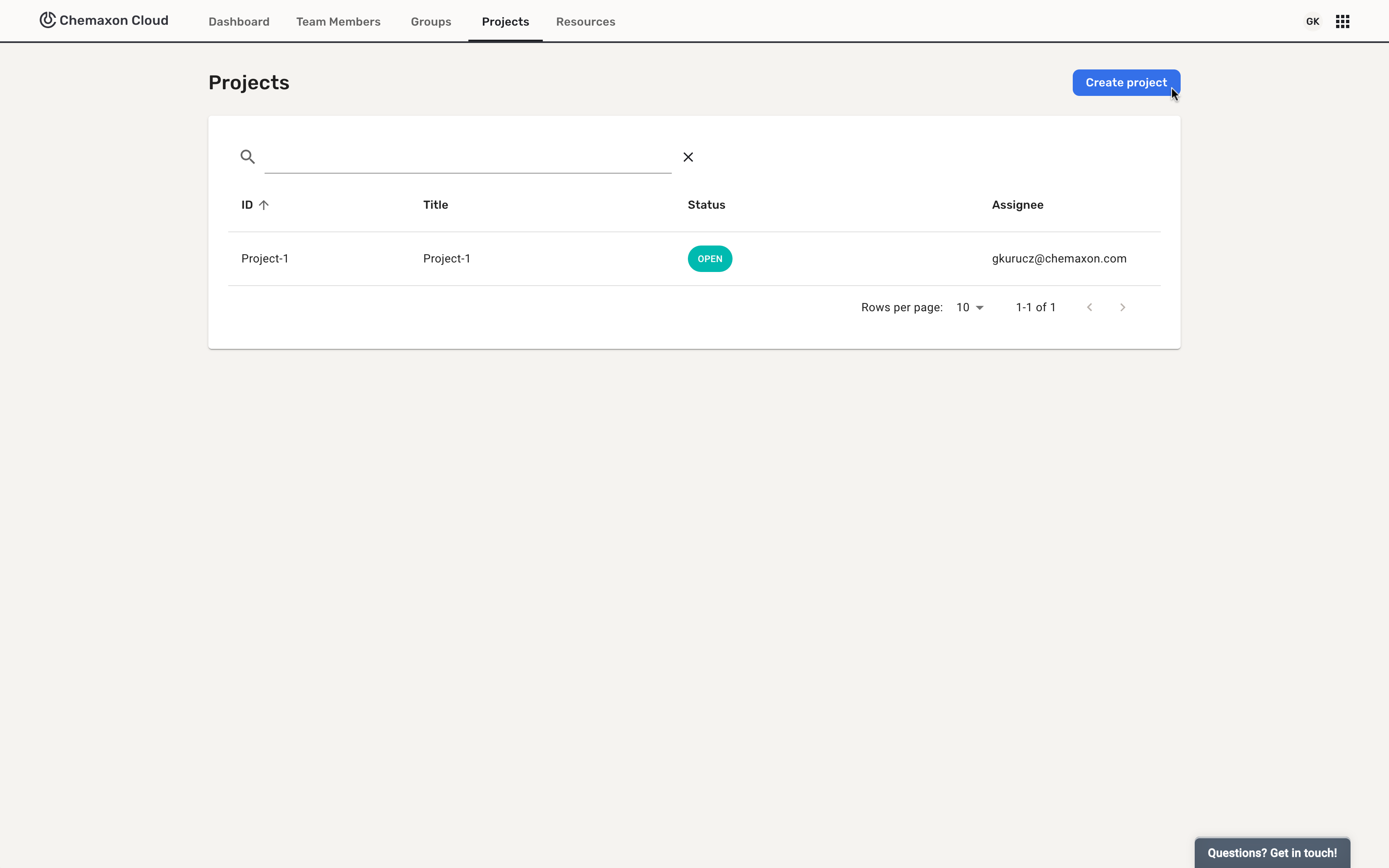
As a Team Administrator, you can create new projects. After logging in to the team, select the Projects tab, and click on the Create project button:
You are required to add a project identifier:
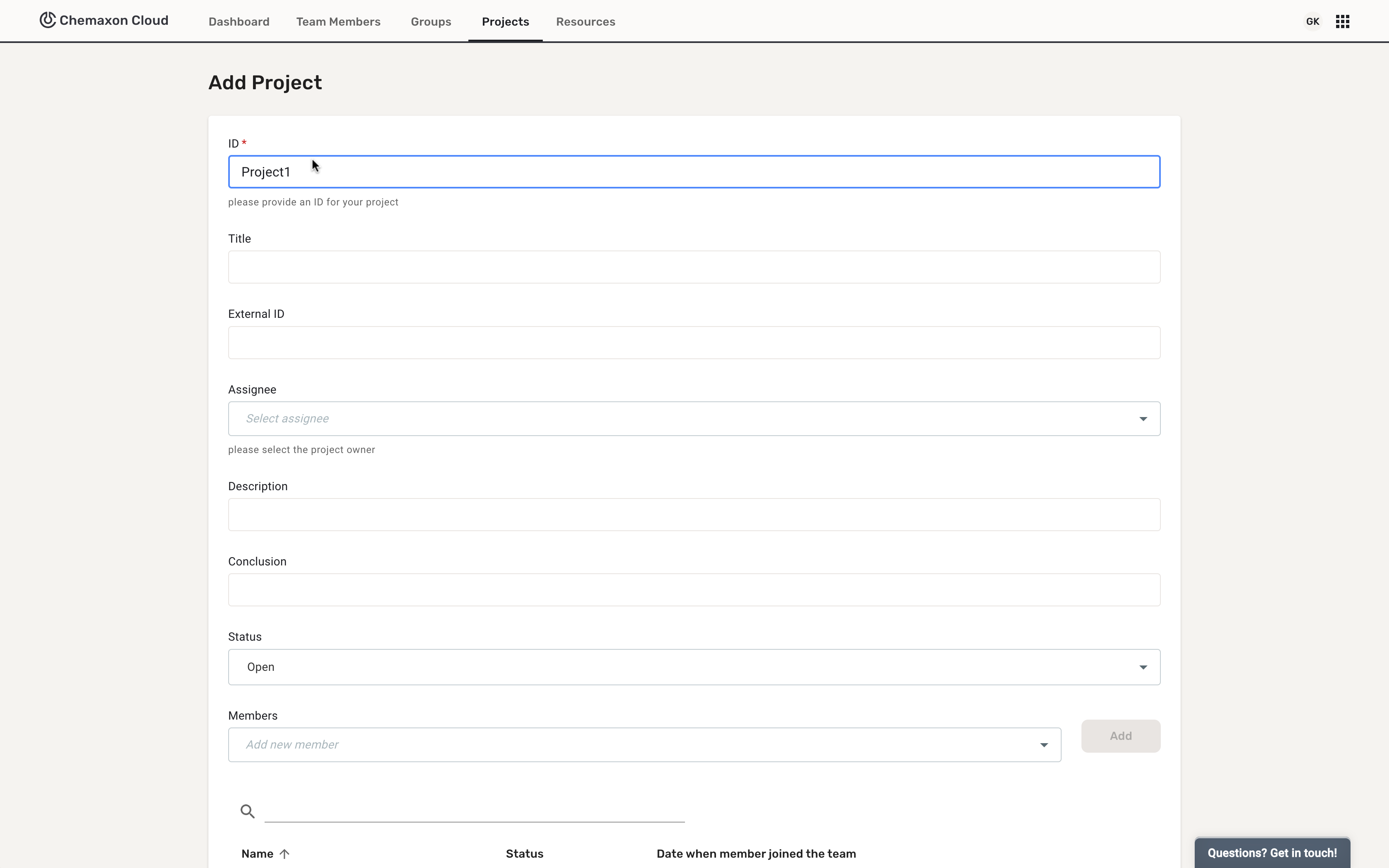
The project identifier must be unique within a team.
After the creating the project, all fields can be edited. If the project is closed, it can be reopened.
Only the Team Administrator and the project assignee can edit the project, but all other Team Members have view rights.