Search Types
Full structure search, substructure search
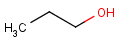
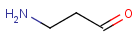
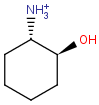
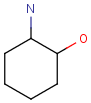
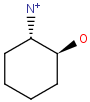
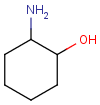
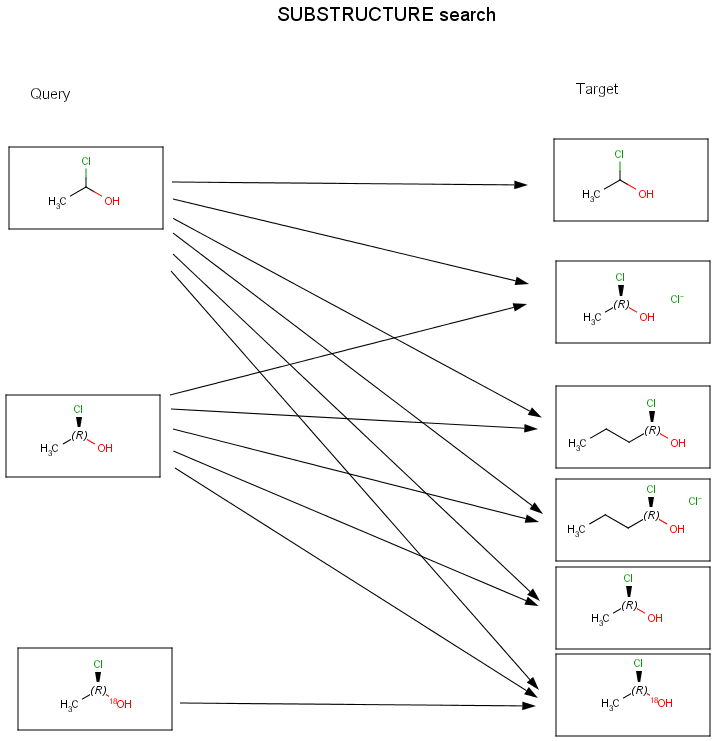
Chemists are most often interested in substructure search, that is, whether one molecular structure contains the other one as a substructure or not. By definition, the examined molecule is called a target, the structure we are looking for is called a query, and a target molecule matching the query structure is called a hit (Table 1).
If special molecular features are present on the query (eg. stereochemistry, charge, etc.), only those targets match which also contain the feature. However, if a feature is missing from the query, it is not checked by default.
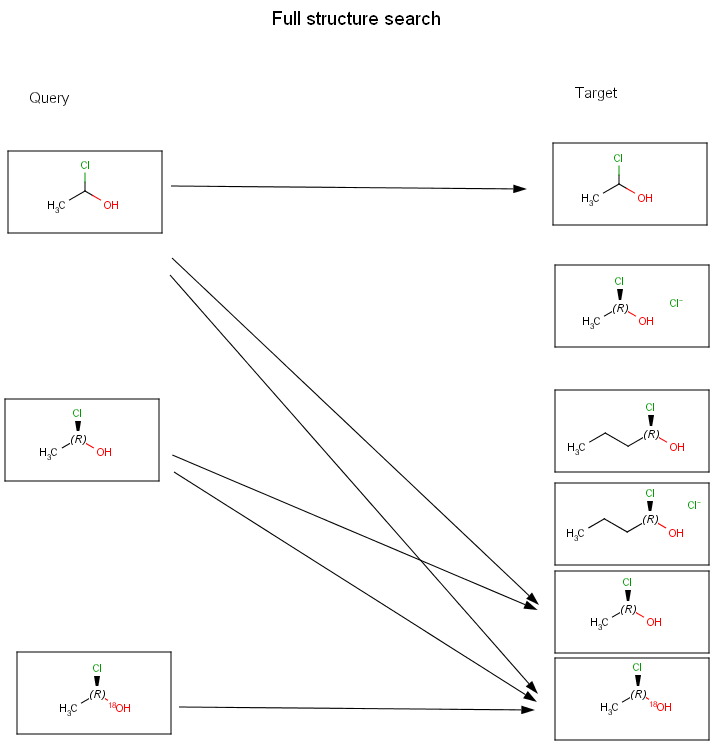
A full structure search finds molecules that are equal (in size) to the query structure. (No additional fragments or heavy atoms are allowed.) Molecular features (by default) are evaluated the same way as described above for substructure search.
Table 1. Full structure search, substructure search
| query | target | hit | |
|---|---|---|---|
| full structure search | substructure search | ||
 |
 |
 |
|
 |
 |
|
|
 |
|
|
|
 |
|
|
|
 |
|
|
|
 |
|
|
|
 |
|
|
|
 |
 |
|
|
 |
|
|
|
|
|
|
|
|
|
|
Other search types
Besides the above, JChem supports similarity, duplicate, superstructure and full fragment type searches.
Similarity is used to retrieve structurally similar chemical structures. By default, it uses the Tanimoto metric of chemical hashed fingerprints, but other screening configurations are also available by the JChem Screen integration. In this latter case, additional descriptor tables need to be added to the database, that link to the JChem table. (For a more detailed description, see Similarity search.)
Duplicate search is mainly used before database inserts to check whether the given molecule is already contained in the database or not. All molecular features need to be equal here, e.g., non-stereo query will only match non-stereo target, etc. Special attached data is also checked during duplicate search.
Superstructure search is the opposite of substructure search: It searches for those target molecules which can be found in the given superstructure query. (In this case the roles of the query and target molecules are simply exchanged, so query properties should be specified on the target!) No query features are allowed on the query side. In the developers guide more information can be found about searching databases with superstructure type searches.
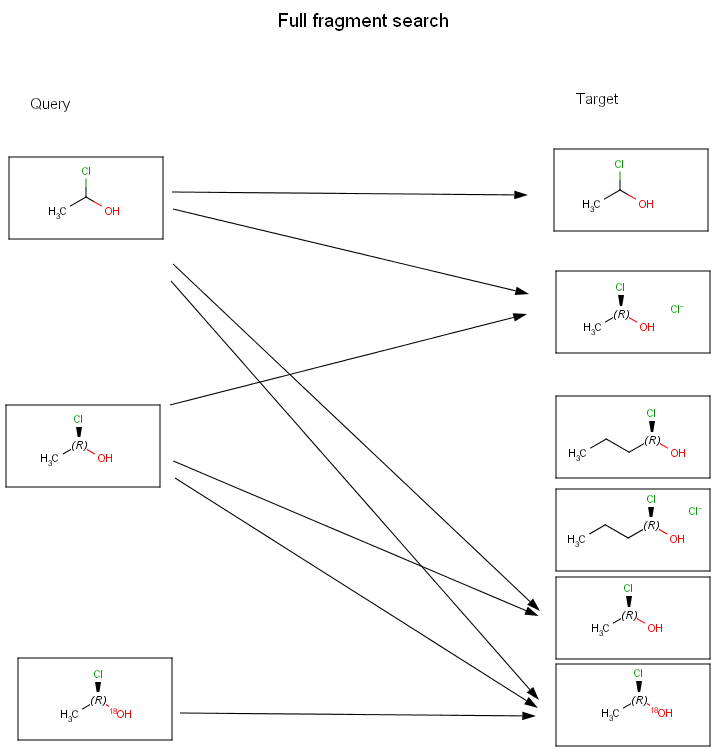
Full fragment search is between substructure and full search: the query must fully match to a fragment of the target. Other fragments may be present in the target, they are ignored. This search type is useful to perform a "Full search" that ignores salts or solvents beside the main structure in the target.
Table 2. details the main differences amongst these search types.
Table 2. Search type differences
| Search type | Search feature | |||||||
|---|---|---|---|---|---|---|---|---|
| Similarity | Tests if target contains query | Tests if query contains target | Full fragment coverage | Exact topology matching | Exact stereo matching | Exact atom features matching | Exact bond matching | |
| SUBSTRUCTURE | n/a | |
|
|
|
|
|
|
| SUPERSTRUCTURE | n/a | |
|
|
|
|
|
|
| FULL_FRAGMENT | n/a | |
|
|
|
|
|
|
| FULL | n/a | |
|
|
|
|
|
|
| DUPLICATE | n/a | |
|
|
|
|
|
|
| SIMILARITY | |
n/a | n/a | n/a | n/a | n/a | n/a | n/a |
The definition of the search features are:
- Similarity: similarity search using chemical hashed binary fingerprint and Tanimoto metrics.
- Full fragment coverage: the query must cover a whole fragment of the target, but the target may contain other fragments. (Implicit and explicit hydrogens are treated equal.)
- Exact topology matching: the whole molecular graph must match (Implicit and explicit hydrogens are treated equal.)
- Exact stereo matching: equality is needed in stereochemistry, eg. non-stereo query only matches non-stereo target.
-
Exact atom features matching: whether matching of certain atom properties should be switched to "exact". This requires equality of the properties (eg. uncharged query only matches uncharged target), and includes the following switches:
- chargeMatching: exact
- isotopeMatching: exact
- exactQueryAtomMatching: true
- radicalMatching: exact
- valenceMatching: exact
- Exact bond matching: generic bonds are not evaluated, equality is needed.
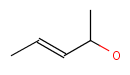
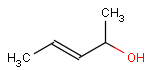
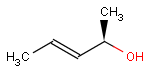
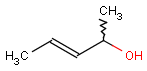
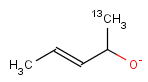
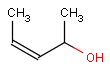
Table 3. illustrates the most important differences between FULL and DUPLICATE searches.
Table 3. FULL and DUPLICATE search differences
| Query | Target | Hit | Remark | |
|---|---|---|---|---|
| FULL | DUPLICATE | |||
 |
 |
|
|
|
 |
|
|
||
 |
|
|
||
 |
|
|
||
 |
|
|
with option DoubleBondStereoMatching set to DBS_MARKED (default) | |
 |
|
|
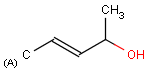
(A) denotes aliphatic query property | |
|
|
|
|
|
|
|
|
||
|
|
|
|
|
|
|
|
||
|
|
|
|
|
|
|
|
The diagrams below show further examples of substructure, full fragment, full and duplicate searches. The arrow between a query and target molecules denotes matching.
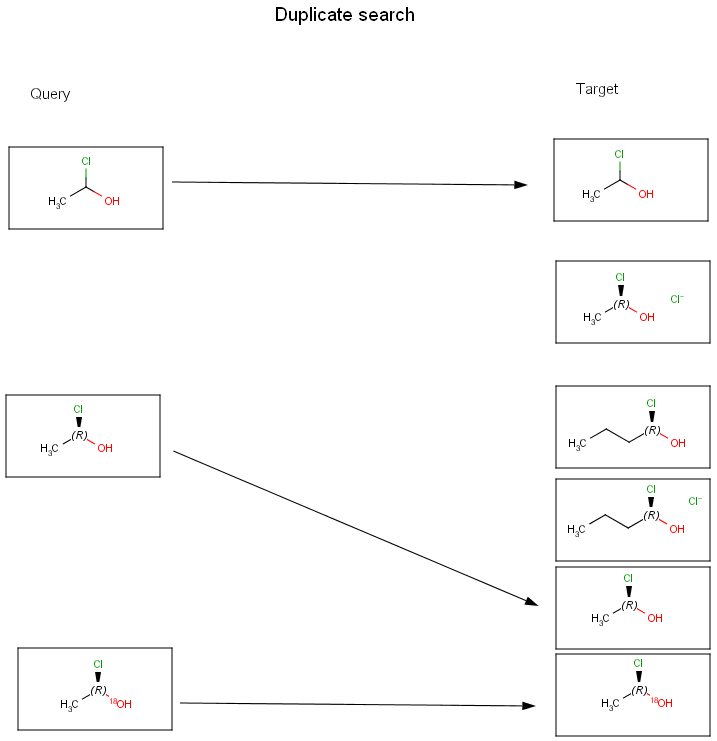
Searching in the database
Searching in the database contains a rapid prefiltering step, which screens out many of the targets not matching the query. This step uses chemical hashed fingerprints. To learn more about this step and how to fine-tune fingerprint generation to your needs, see the following document: Parameters for Generating Chemical Hashed Fingerprints.
The speed of the database search can be increased by the application of structural keys on the tables containing the chemical structures. Structural keys have to be assigned to the table before or during the data import. See how to add structural keys using JChem Manager.
Comparison levels
Graph topology
Graphs consist of nodes and edges. When we compare structures represented as graphs, the graph patterns must match. Atoms correspond to nodes and bonds are edges.
Atom types
In the case of molecular structures, it is certainly not enough to simply compare the graph patterns, the type of atoms and bonds must be checked as well.
Stereo configuration
Even if both the topology and the type of the corresponding atoms and bonds are matching, we still have to examine the stereochemical configuration. Two molecules having the same kind of atoms connected by the same kind of bonds can be stereochemically different. The relative position of ligands connected to a chiral atom (R/S isomers), the enhanced stereo labels on chiral atoms and relative position of atoms located on rings or double bonds (cis/trans or E/Z isomers) determine the stereochemical configuration of the molecule.
For the different stereo features, see section Stereochemistry JCB.