Cloud credentials
The Cloud credentials page can be reached by opening the Administration web
pages. Then under the Indexing menu, click the Cloud credentials item.
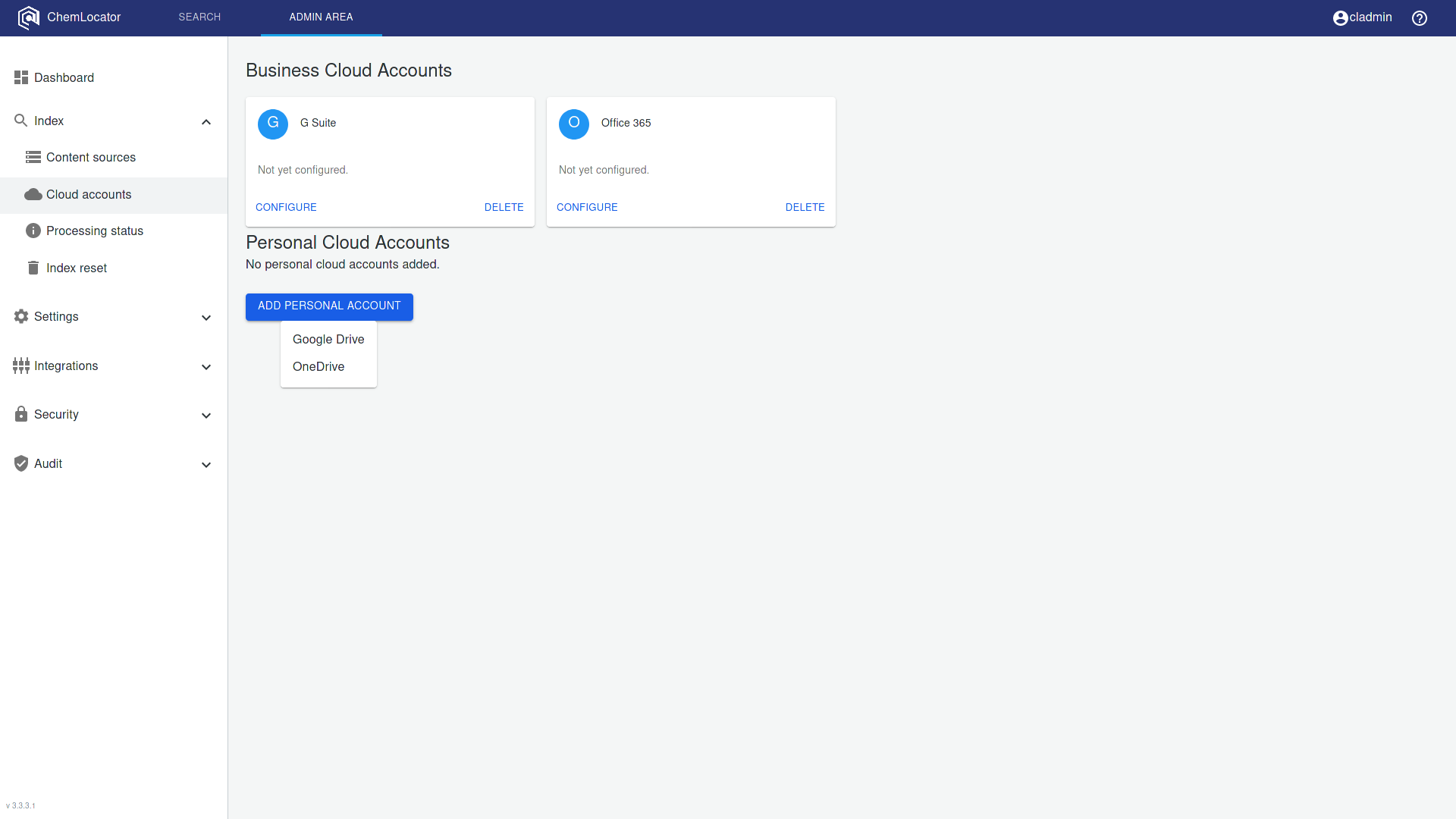
This page allows the configuration of cloud account links. There are two types of
lynks that are supported by ChemLocator:
- Business accounts
- Personal accounts
Business accounts
These accounts are for connecting with G Suite and/or Office 365 and allowing the company content to be available for indexing:
- G Suite
- Drive - will index a Google drive using a service account and will be able to index file and folder permissions for any content source
- Office 365
- OneDrive - will index the company drives and the file and folder permissions for any content source
- SharePoint Online - will index SharePoint online libraryes together with file and folder permissions
Personal accounts
These accounts are for connecting a personal account, Google or Office 365, without requiring a service account. The permissions of files and folders will not be indexed.