Cancellation
To cancel your single-user/individual Chemicalize subscription, follow the steps below:
- Log into Chemicalize on its website.
- Click onto the top right corner of the webpage to find your profile menu.
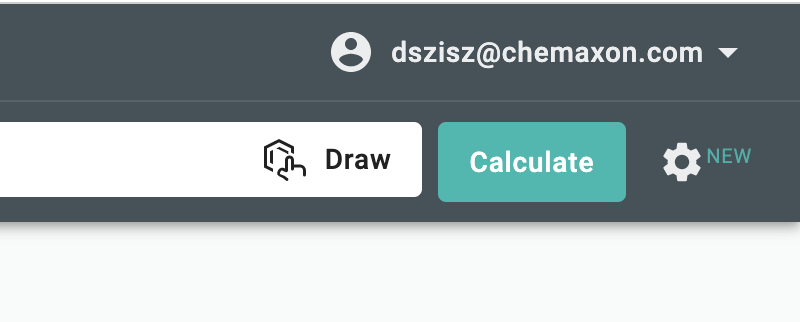
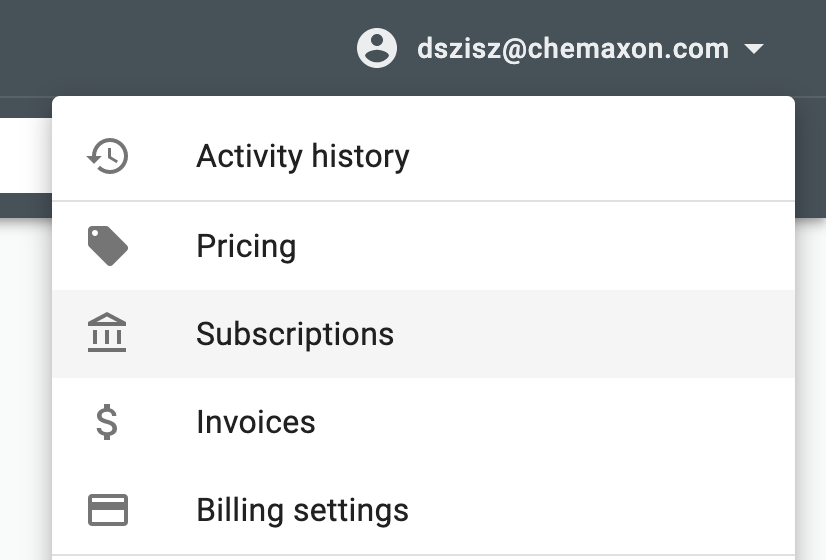
- Select Subscriptions from your profile menu to get to the page of your currently active subscriptions.
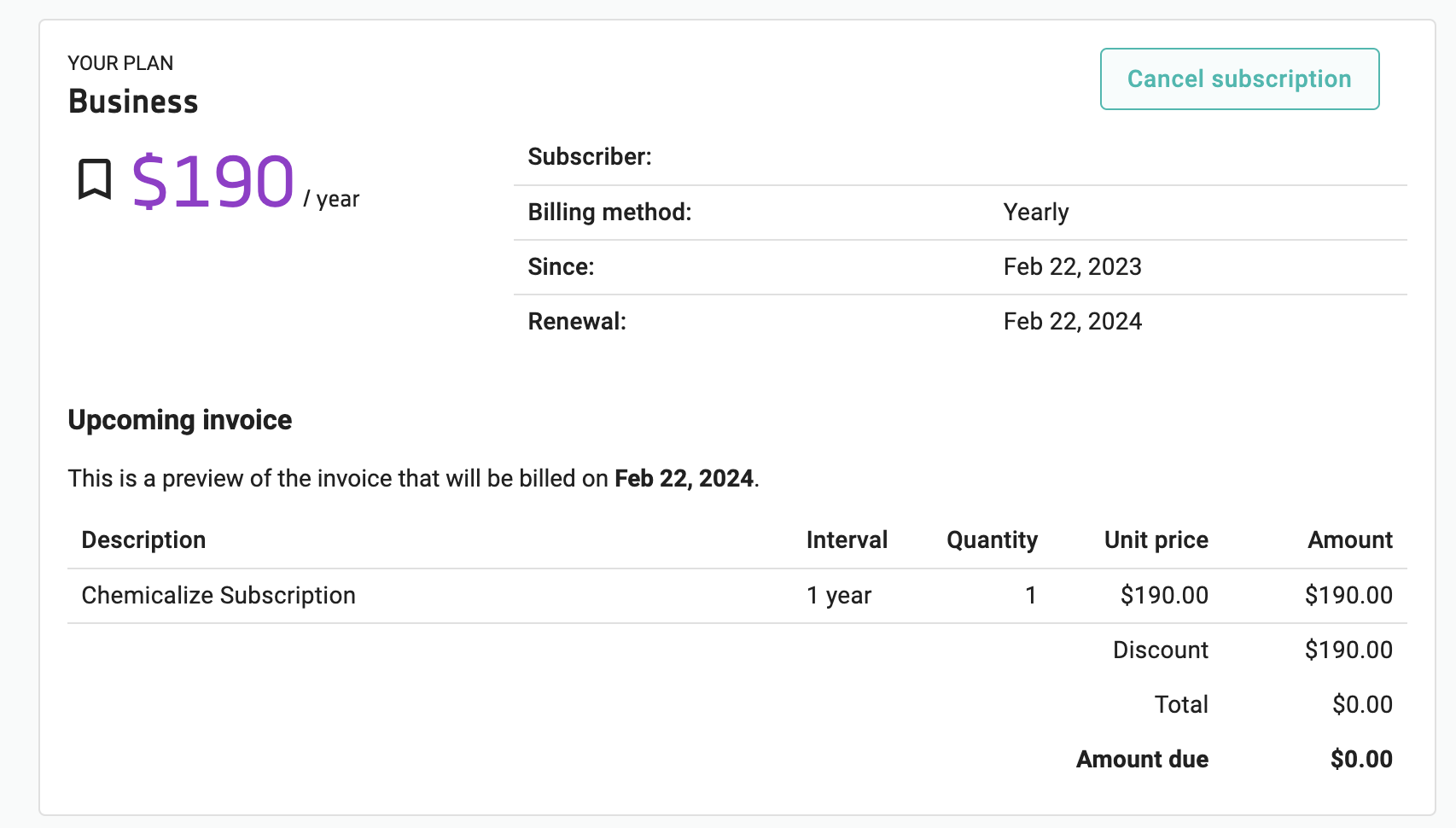
- Choose the subscription you want to cancel and click on its Cancel subscription button.
- Finish your cancellation by clicking on the Cancel subscription button of the pop-up window.
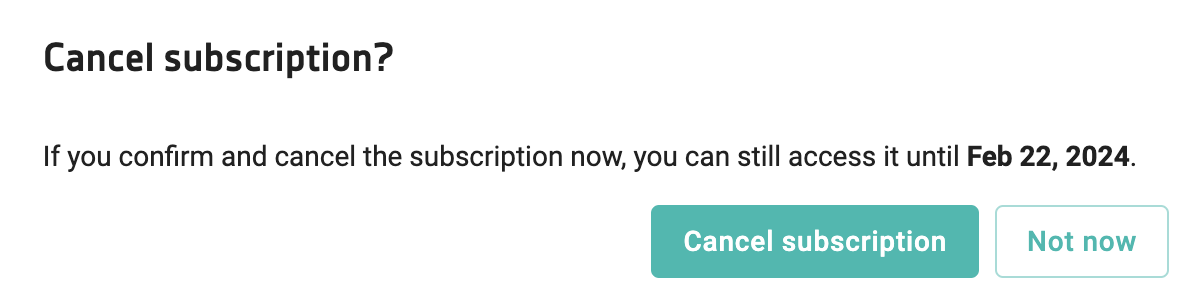
Your subscription cancellation is done. You should not receive invoices for this subscription in the future anymore.