Content sources
Content sources are the document repositories where all the information
resides. ChemLocator supports many kinds of repositories like:
- Personal OneDrive
- Personal Google Drive
- Personal Office 365
- G-Suite
- OneDrive for Business
- SharePoint Online
ChemLocator can connect to the above repositories and make them chemically
and free-text searchable.
To see the registered content sources, open the Administration web pages,
then click the Indexing menu. Click the Content sources menu item in the
menu:
The main page for the content source administration:
If there are any settings turned on which can slow down the indexing, a
yellow warning bar is shown to inform the user. These kinds of settings are
likely time consuming property calculations, optical structure and optical
character recognition.
Actions
The following actions are available on the Content Sources page:
New content source

This button can be used to register a new content source.
Start full crawl
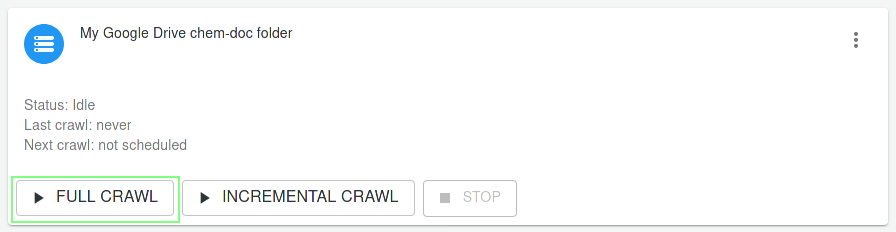
Full crawl is the way of pre-processing whereby all the documents in the
repository will be re-interpreted. All the content will be read and
processed.
Full crawl is usually required when:
- A new content source is created
- About half of the documents have been modified or changed in some way
- Settings have changed
- New Integration specified
- After an Index reset
Start incremental crawl
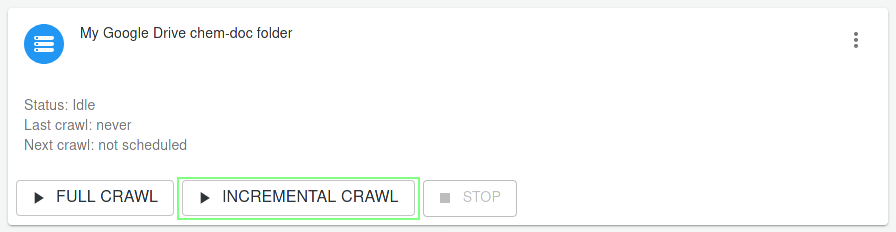
Incremental crawls are much faster then full crawls, because they only handle
the changes in the repository. If a document has been changed in any way
(metadata, content, etc.) the incremental crawl picks it up and processes.
Incremental crawl is usually useful when:
- The documents are added, removed, changed in the repository
- Permissions changed for documents, folders (Permission handling is
available in Server Edition only!)
Stop crawl
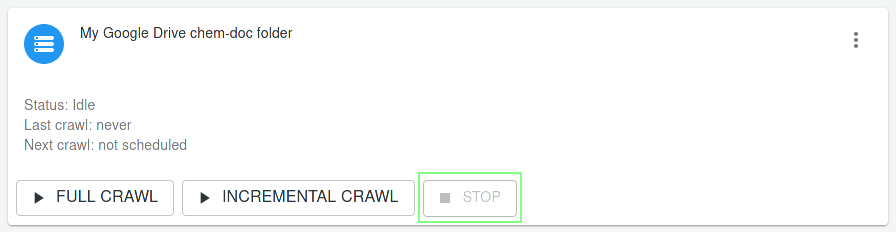
Stops an indexing before it is completed.
Note that stopping does not occur immediately after the button was pressed, but
take some time depending on the type of the content source and the status of the
indexing. The status "Stopping" indicates that the content source is being
stopped.
Delete content source
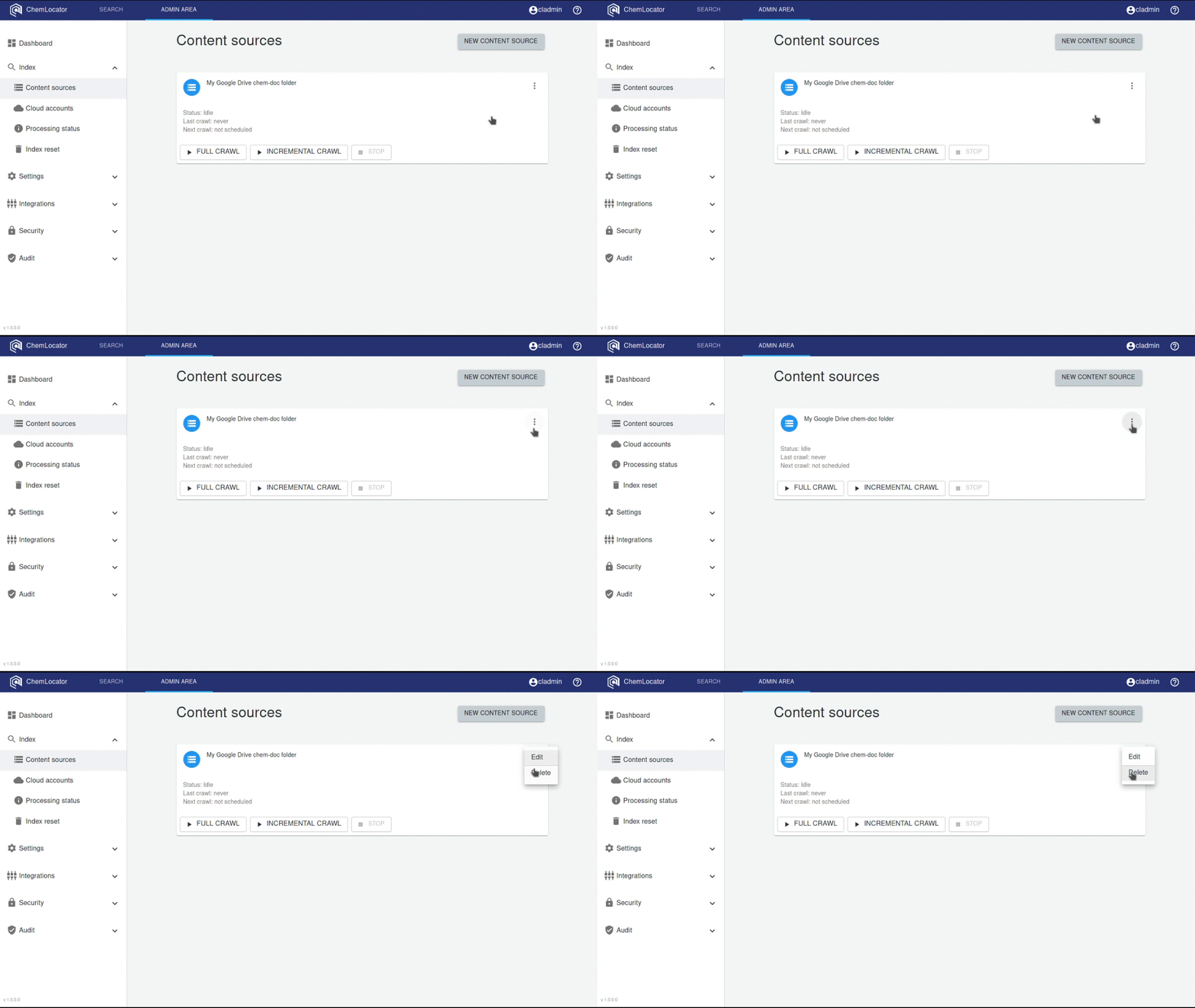
Deletes an existing content source. All the indexed data will be removed.
Additional information
Crawl schedules
You have possibility to adjust a schedule for each content source (Content
sources), if you want the program to automatically start the crawling rather
than you having to manually start the process.
Overlapping start addresses
Please make sure that the start addresses of the content sources don't overlap.
Indexing the same folder via more than one content sources is not supported.