Subscribing to a single-user plan
To subscribe to a single-user/individual Chemicalize plan, follow the steps below:
- Log into Chemicalize on its website.
-
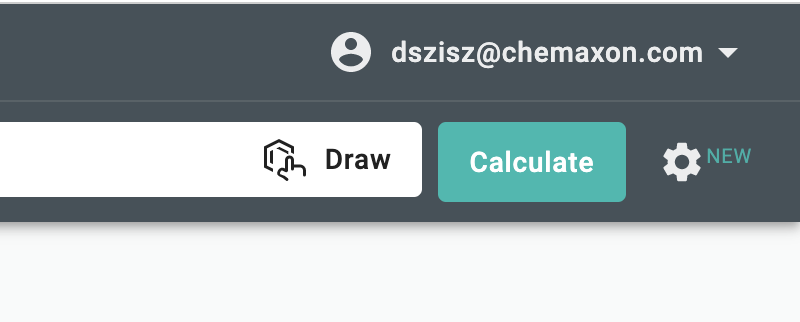
Click onto the top right corner of the webpage to find your profile menu.
-
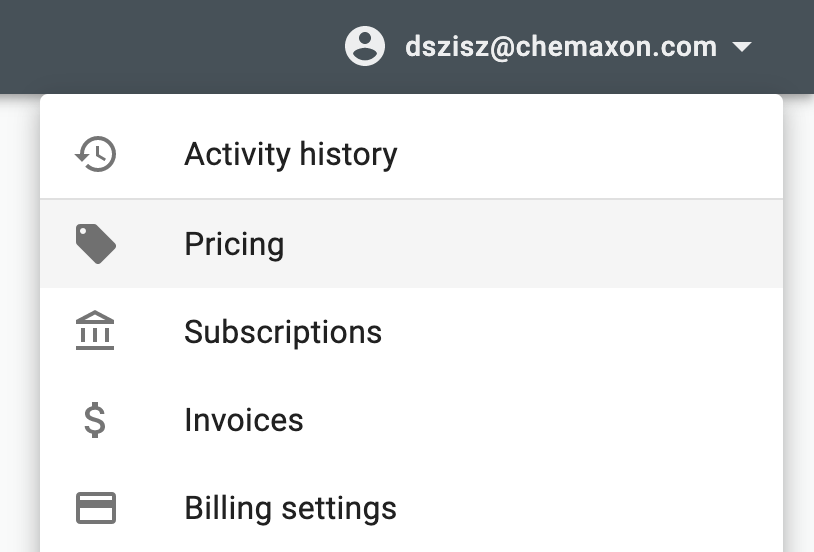
Select Pricing from your profile menu to get to the Our Plans page.
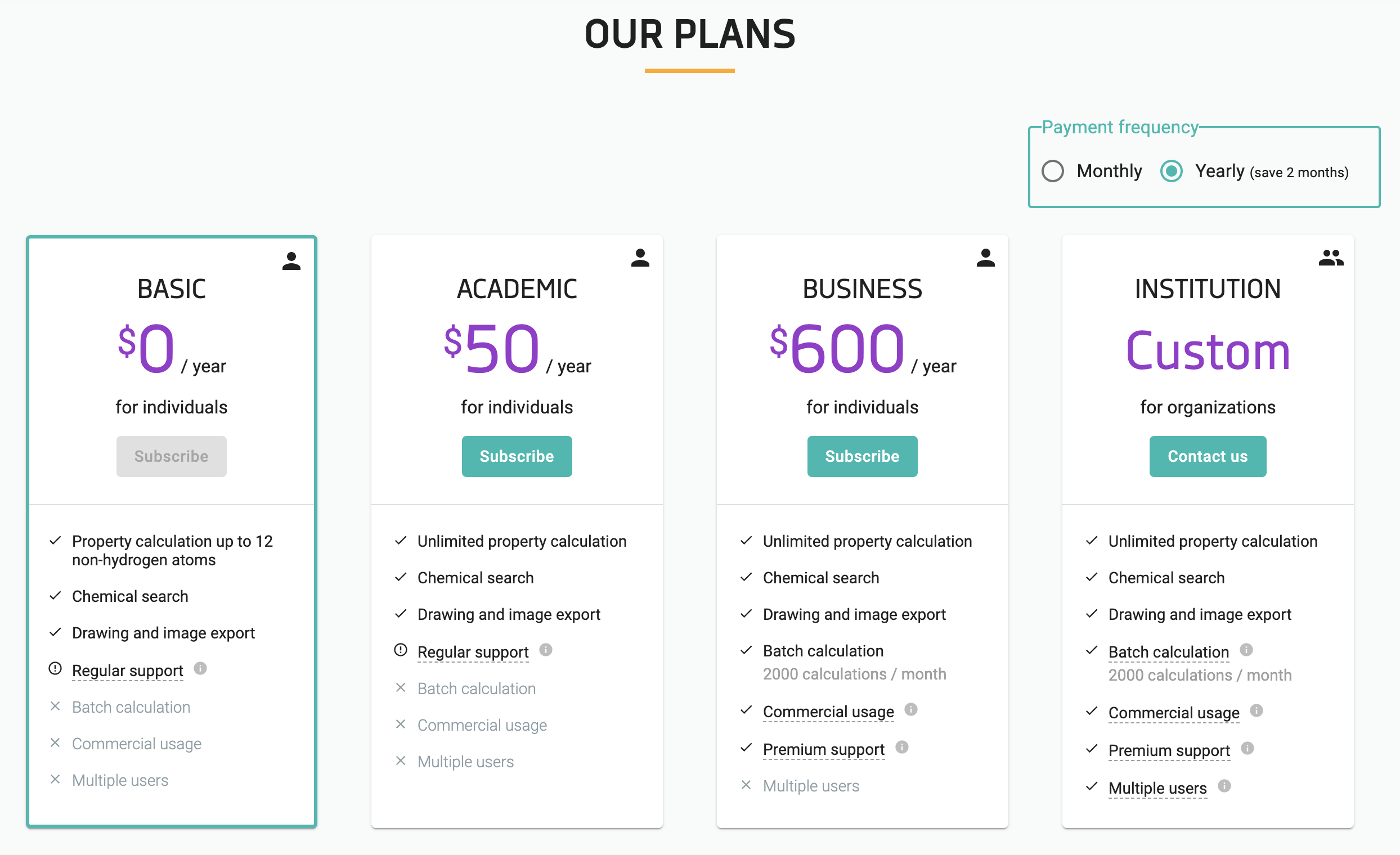
The Our Plans page shows all available subscription plans you can choose from, grouped by the payment frequency.
{info}
Monthly and yearly payment frequencies are offered.{info}
The default subscription plan is the free Basic plan.{info}
The different features included in a plan are listed under the plan.
-
Click on the Subscribe button under the chosen plan to start the subscription process.
{info}
If you want to subscribe to an academic plan, you must fill in a form that is used for
validating your right to an academic discount. -
Fill in the data necessary for billing and payment.
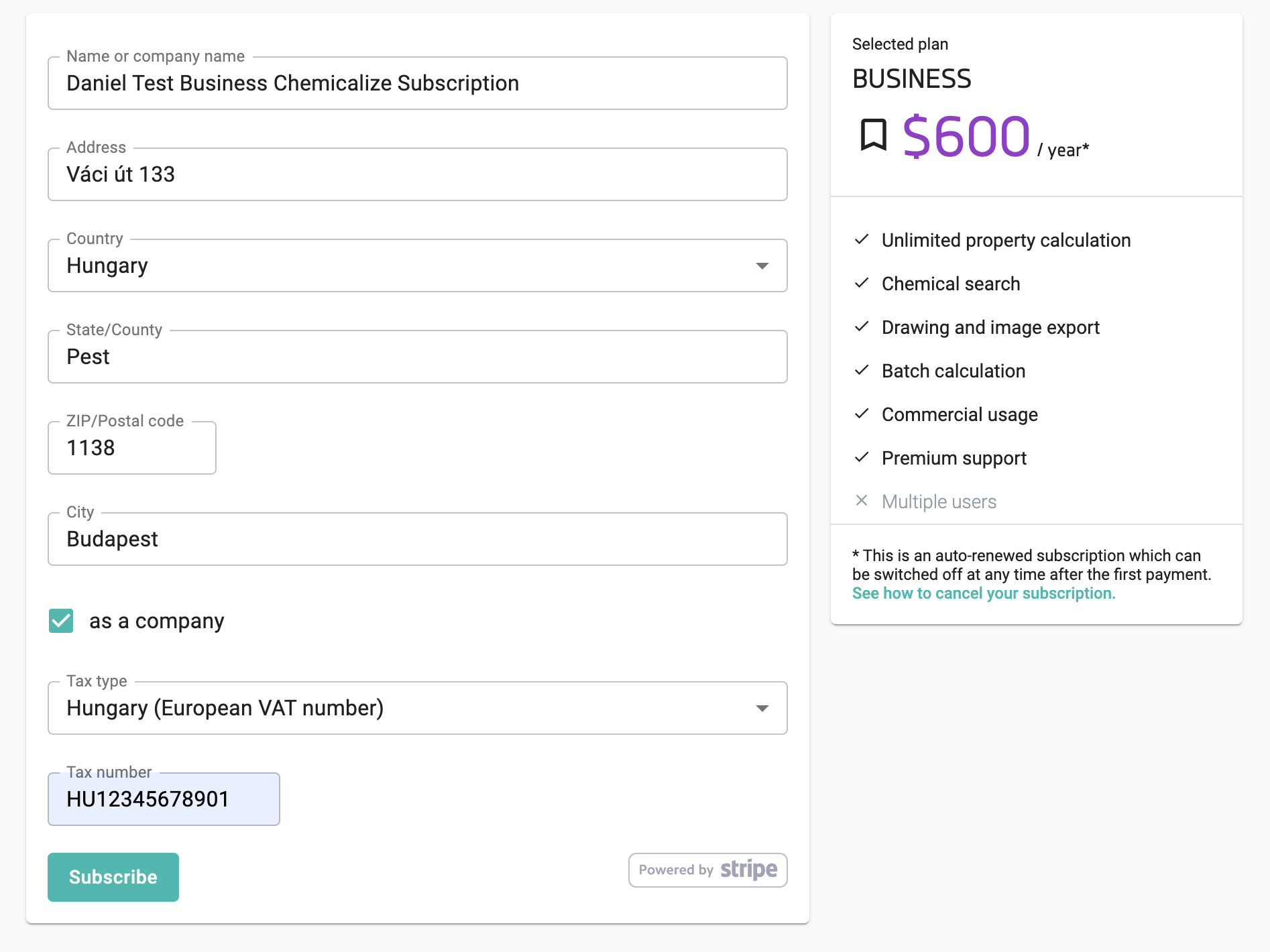
{info}
Chemicalize uses Stripe as a payment service provider.{info}
If you want to subscribe as an individual working at a company, please
provide the tax number of the company. -
Click the Subscribe button at the bottom of the data page.
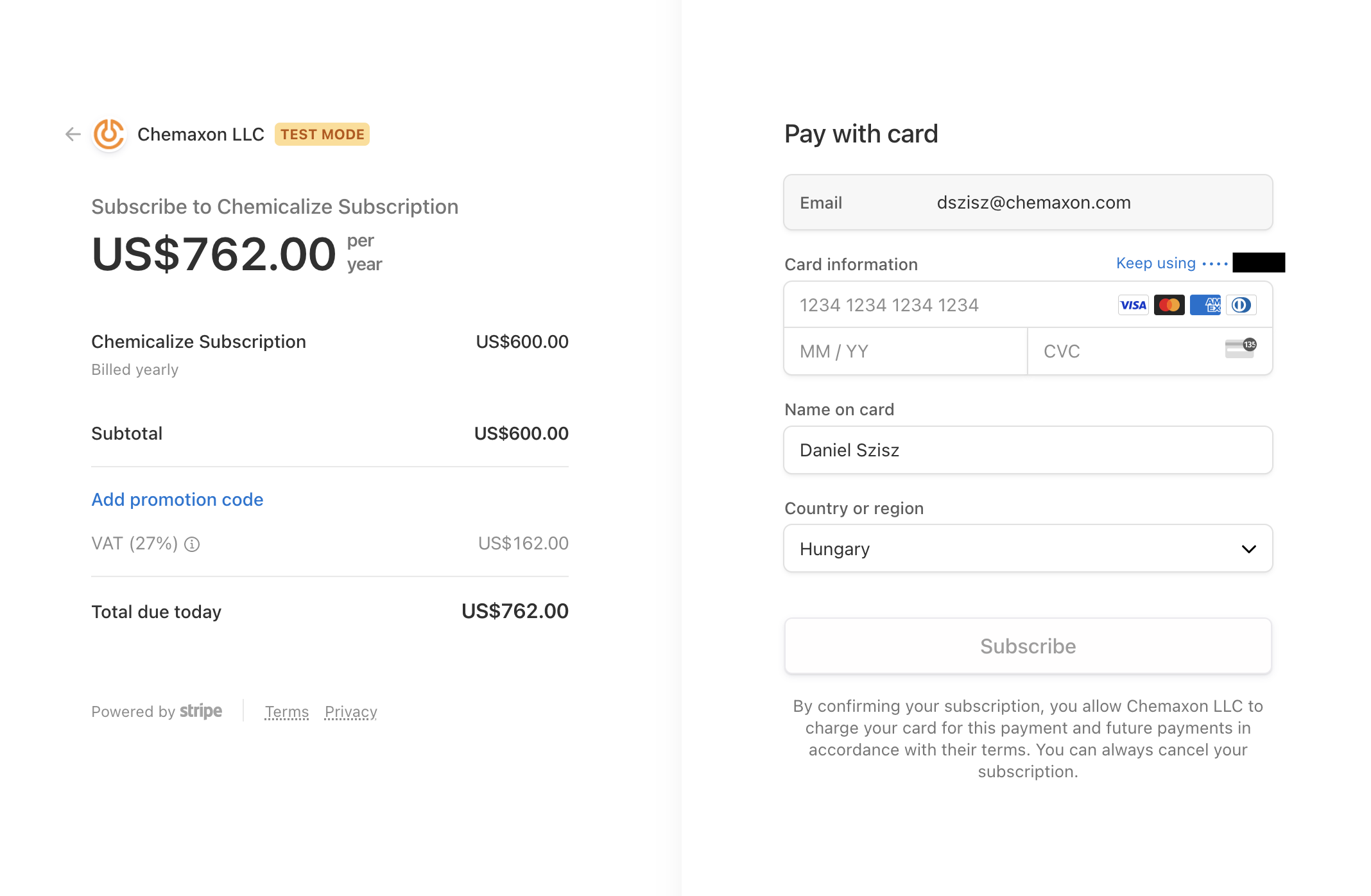
- Provide your credit card data on the last payment page. Then finish the
subscription process by clicking the Subscribe button.
{info}
VAT is automatically determined based on your billing address and added to
the subscription fee.